
.jpg&w=1080&q=75)
Here is the translated markdown content from French to English: Creating an effective landing page, aesthetic and above all converting, has never been as important as in 2025. Whether you are a content creator, OFM agency, or traffic manager, your homepage is the first impression you leave on your visitors. At LinkScale, we have designed an ultra-customizable landing page builder, combining modern design, speed, and advanced protection technology (MultiShield). In this article, we'll show you step by step how to create a professional landing page, ready to convert, in less than 5 minutes.
Step 1: Create a new link and choose the right format
From your LinkScale dashboard, click on "Create a new link", then select "Landing Page".
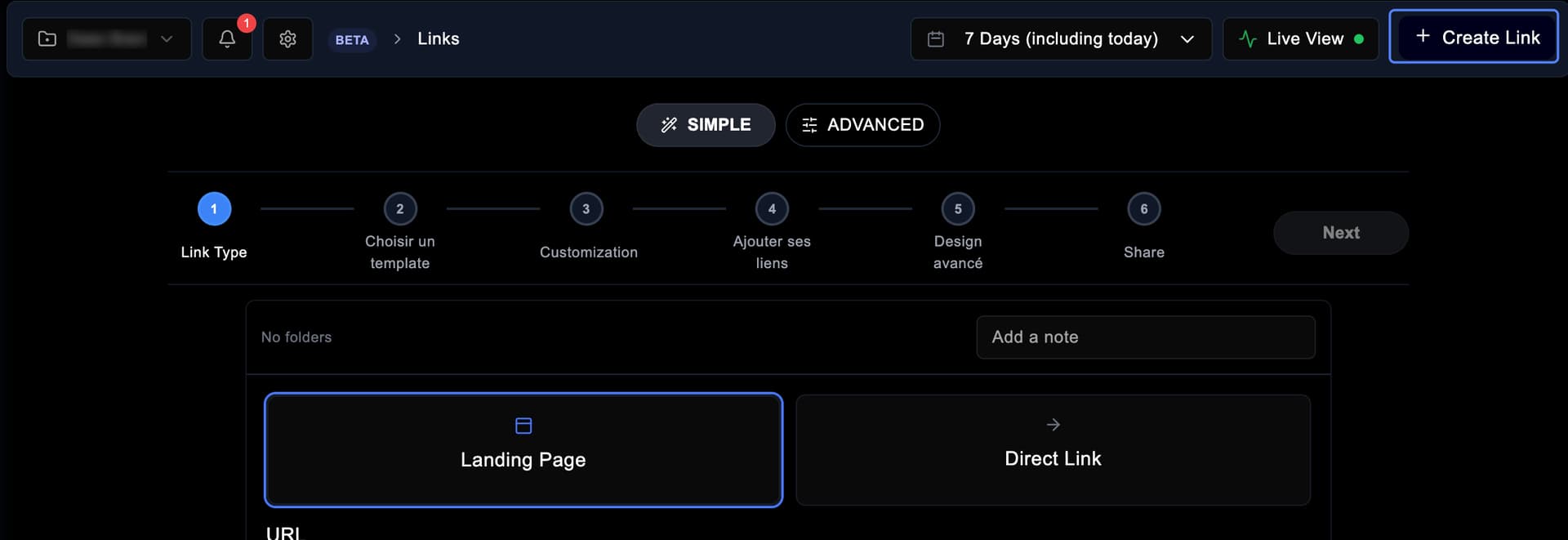
Even if direct links still work very well, landing pages offer more flexibility: they allow you to display multiple links, videos, and branding elements in one place. 👉 Pro tip: agencies and creators who centralize all their links on a landing page record on average +22% conversion rate compared to a single link.
Step 2: Choose a template or start from scratch
Once your link is created, choose the domain name you want to use among the domains offered by LinkScale (or your custom domain).
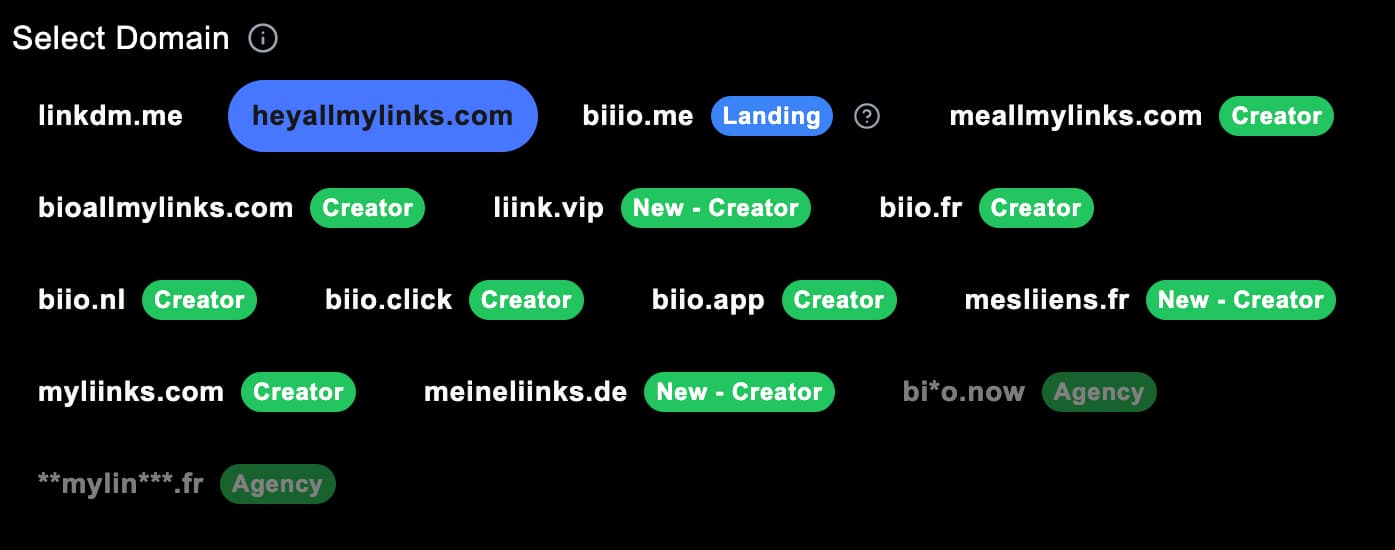
Click on "Next" to arrive at the template selection.LinkScale provides over 30 pre-built templates, designed for different styles and goals: minimalist, animated, or conversion-oriented.But you can also start from scratch to create your own design.If you're a beginner, we recommend using an existing template to save time.For example, the "Pink Motion" template directly integrates the background video functionality, a major innovation that can increase the click-through rate by 15 to 20% according to our internal tests.
.jpg)
Step 3: Customize the texts and visual elements
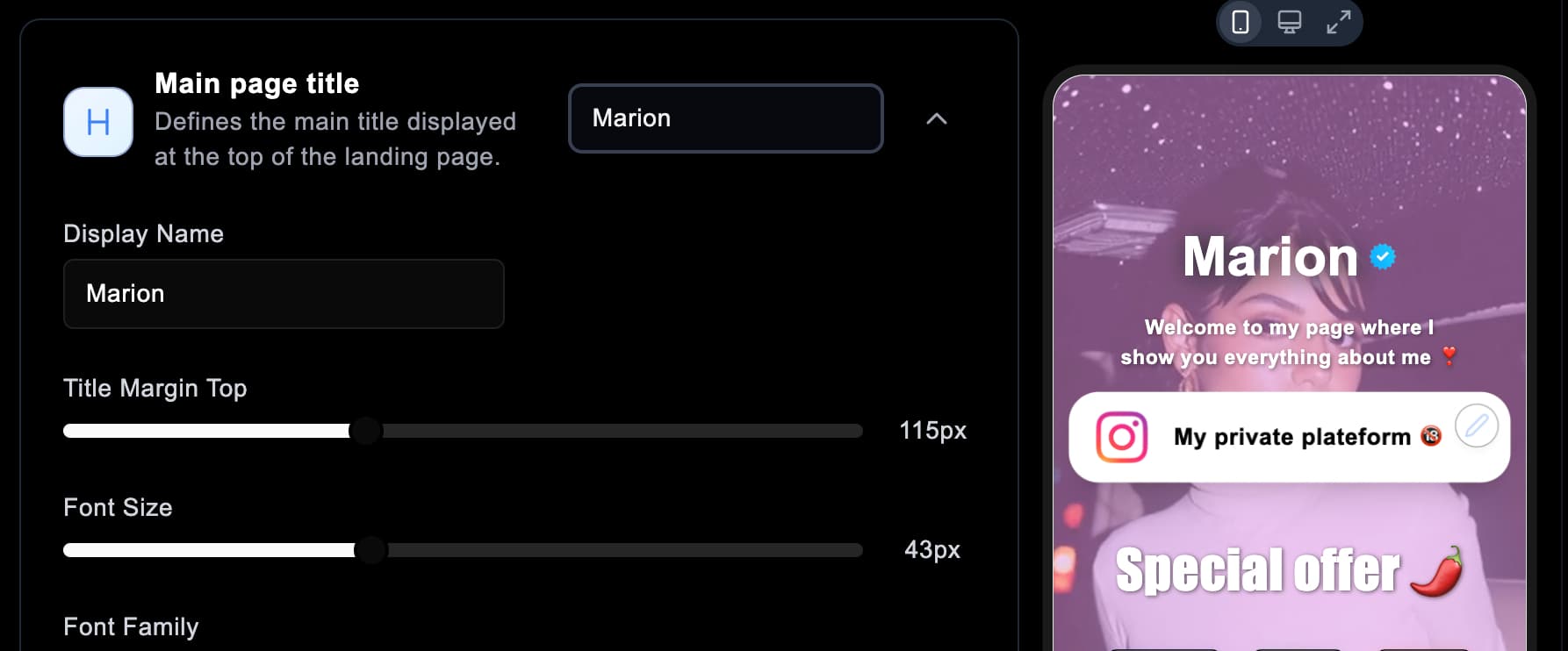
Modify the title and biographyStart by adjusting the main title of your page (e.g., the name of the creator or brand).
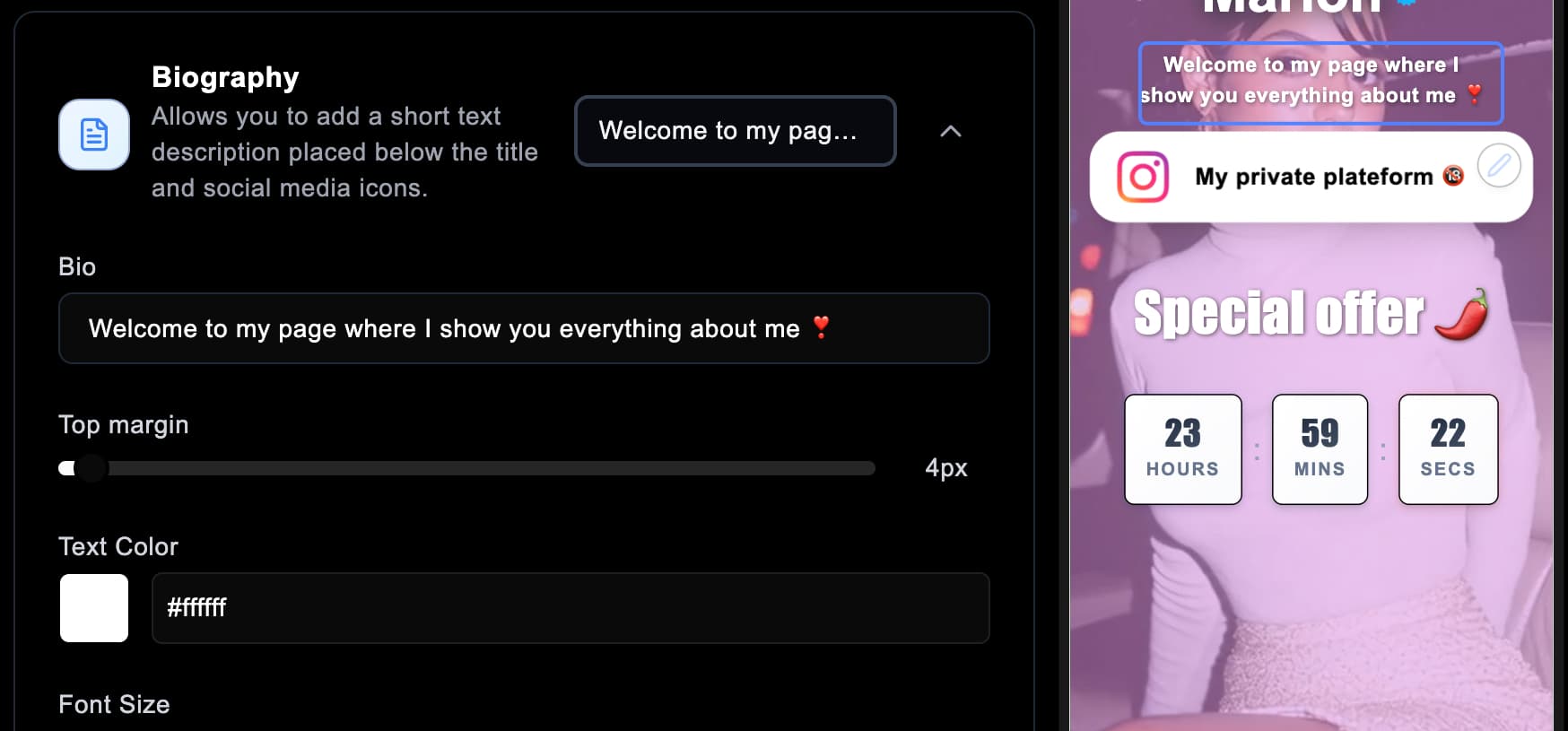
In the editing menu, you can modify the text size, font, spacing, or even the color to adapt it to your visual identity.Then add your biography.A few lines are enough to contextualize your page and encourage your visitors to click.Keep a human and clear tone — avoid overly long sentences or repetitive emojis.Add a "Verified" badgeThe verification badge is a small visual detail that enhances the credibility of your page.According to our A/B testing data, adding it can result in up to +8% additional clicks.
Step 4: Add a background video or image
In the "Page Background" section, you can upload your own background video. The effect is immediate and gives a professional look.
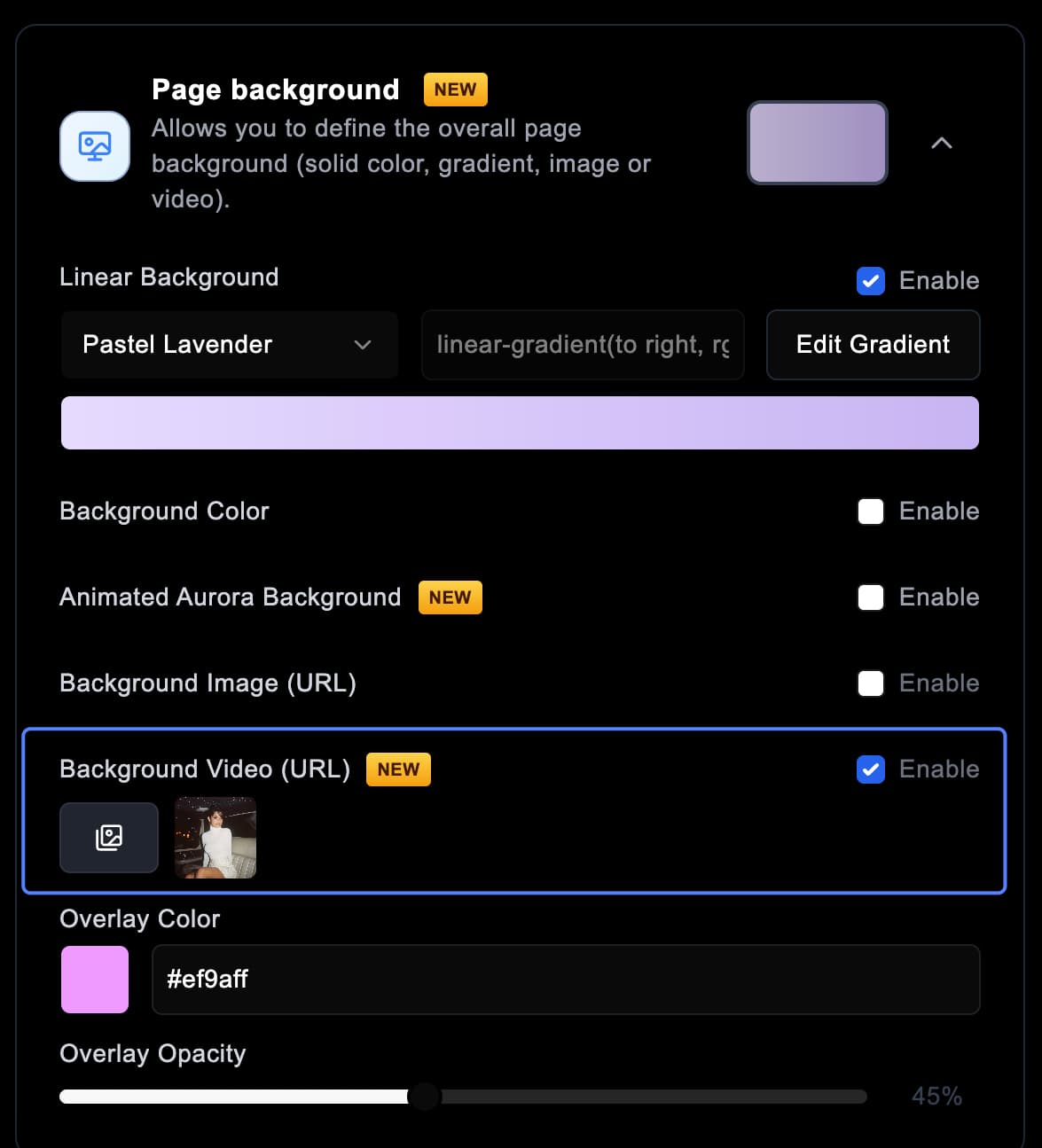
Once your video is selected, you can:
- Adjust the transparency of the overlay (colored layer over the video)
- Modify its color
- Or completely disable it if you prefer a raw visual 💡 Pro tip: videos with gentle movements or light effects work better than overly fast or saturated clips.
Step 5: Add and customize your links
This is the heart of your landing page. Each link can be fully customized:
- Icon (e.g., OnlyFans, TikTok, Instagram...)
- Link name (e.g., "My OnlyFans profile")
- Tracking link to measure conversions
- Background color or cover image/video
- Visual effects: pulsation, bounce, glow, zoom, etc.
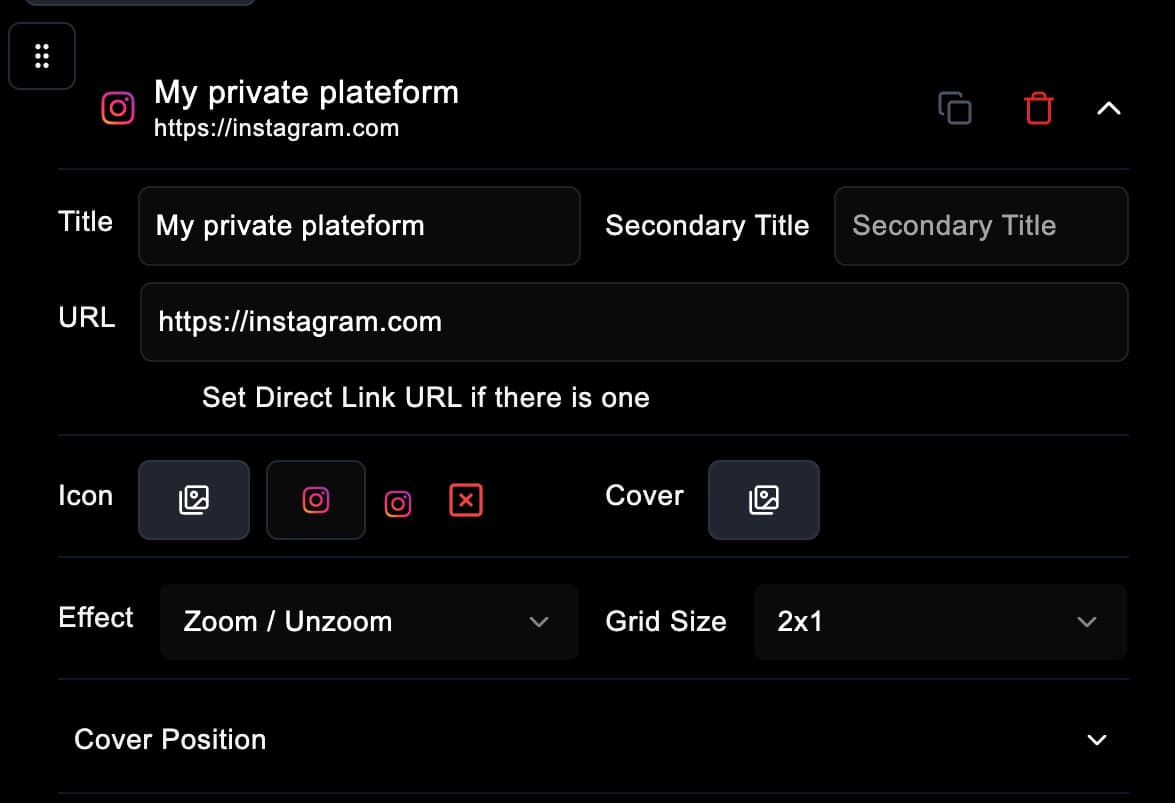
We recommend using the "Glow" or "Zoom" effect, two simple and visually effective styles. 👉 You can also adjust the section size to highlight certain links, according to their importance in your strategy.
Step 6: Use advanced options to boost conversion
This is where LinkScale really stands out. The "Advanced Design" section allows you to add several unique features:
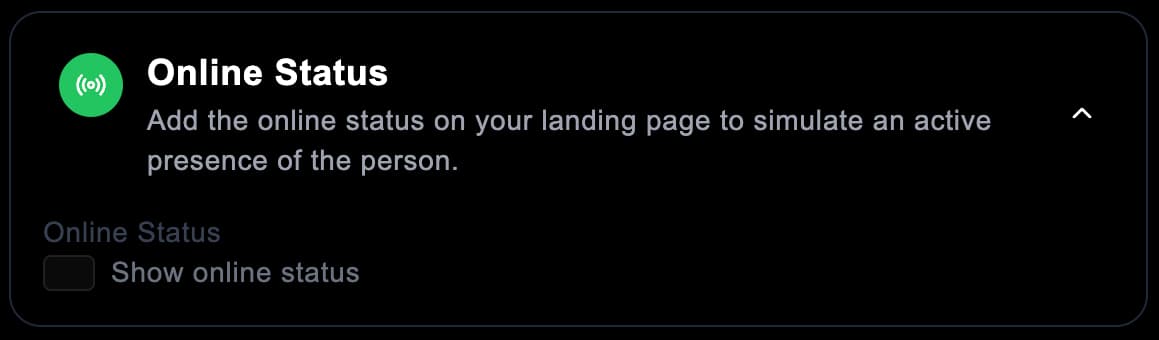
🟢 "Online" StatusDisplays an "Online" mention under the title to give an effect of presence and activity.
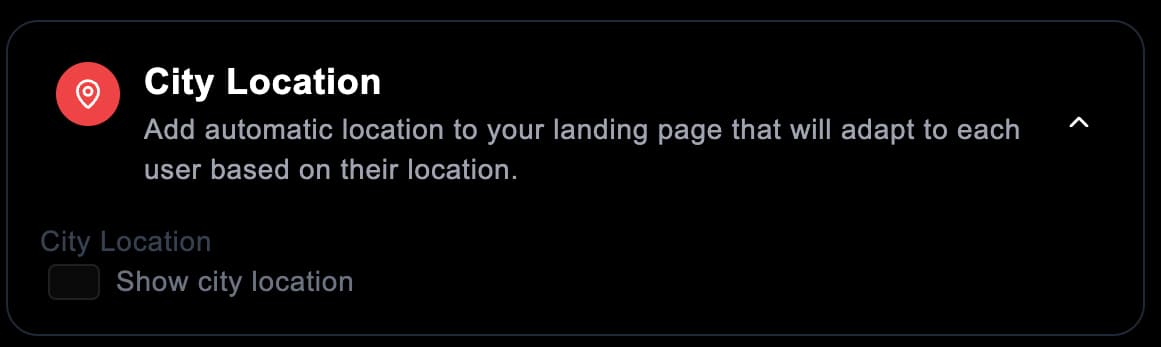
It's a very effective trick to encourage visitors to click or send a message.📍 Automatic LocalizationThe system automatically detects the visitor's city or country, creating a sense of proximity.You can also manually define an area if necessary.
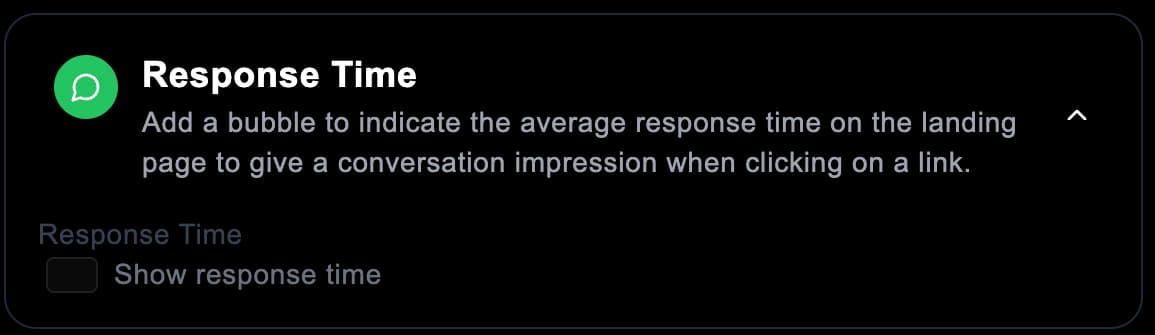
⏱ Response TimeIndicates the average response speed of your account.A useful piece of information if you work with chatters or DM management teams.
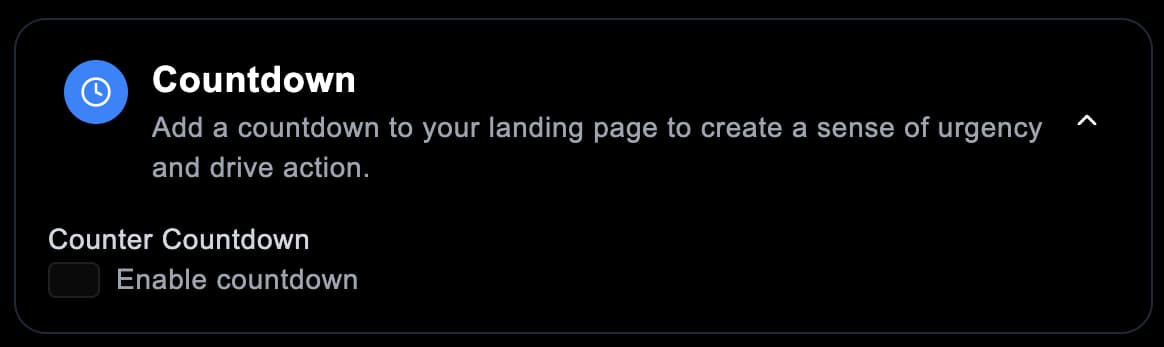
⏰ Dynamic CountdownThis is our users' favorite feature.It allows you to create a sense of urgency thanks to a timer displaying the end of a promotion or a special offer.Several options are available:💡 Tip: the infinite mode allows the countdown to automatically restart for each visitor, without ever expiring.- Fixed duration (e.g.: "Offer valid for 15 minutes")
- Specific date (e.g.: "Promotion until Saturday midnight")
- Weekly repetition (e.g.: "New offer every Friday")
Step 7: Finalize and publish your landing page
Once all your customizations are complete, click on "Finish". Your page is instantly hosted and secured on LinkScale servers.

And above all, no performance loss: thanks to our Smart Loading technology, your videos and elements display immediately, even on mobile. On average, a page created on LinkScale loads in less than 300 ms, making it faster than 95% of competing pages.
Bonus: Integrated security with MultiShield
All landing pages created on LinkScale automatically benefit from MultiShield Advanced protection. This technology analyzes each click in real time to block:
- Bots
- VPNs
- Proxies
- Unwanted or untargeted traffic Result: cleaner traffic, more reliable statistics, and no risk of shadowban.
Conclusion: The next-generation landing page
Creating a high-performance landing page has never been easier. With LinkScale, you combine:
- Unmatched security,
- Total customization,
- And a smooth and modern user experience. Whether you are an OFM agency, an independent creator, or a brand, your page becomes a real conversion tool, not just a simple link.
👉 Try LinkScale for free for 14 days and build your first landing page now: https://linkscale.to/en