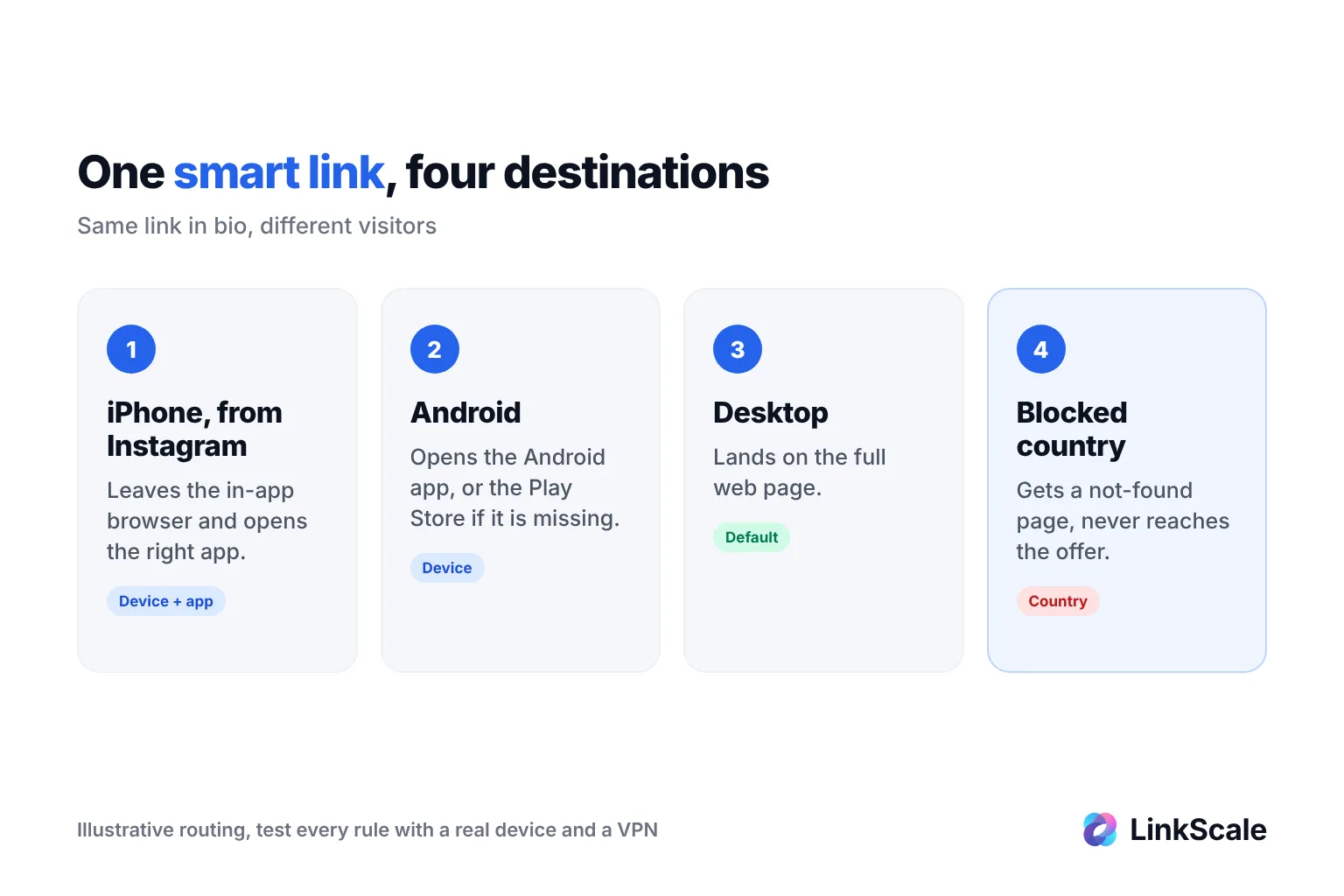

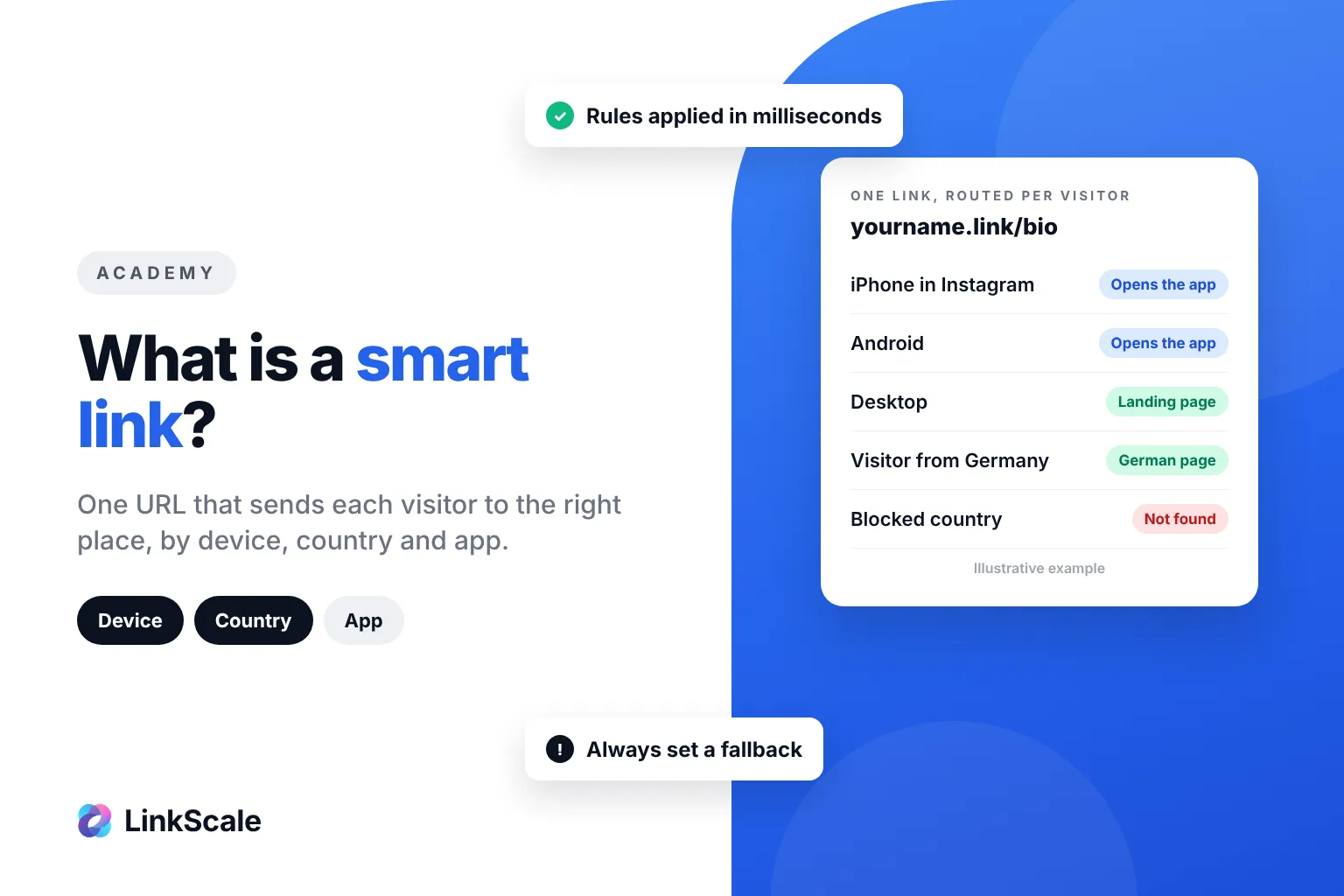
A smart link is a single URL that decides where to send each visitor at the moment of the click, based on who they are: their device, their country, the app they tapped from, sometimes their language. One link, many destinations, chosen in a few milliseconds. An iPhone user can land in an app, an Android user in the Play Store version, a visitor from Germany on a German page, all from the same link in your bio.
The idea is simple. The details decide whether it earns you clicks or quietly loses them, so here is how smart links work, what they can route on, and where they break.
How does a smart link work?
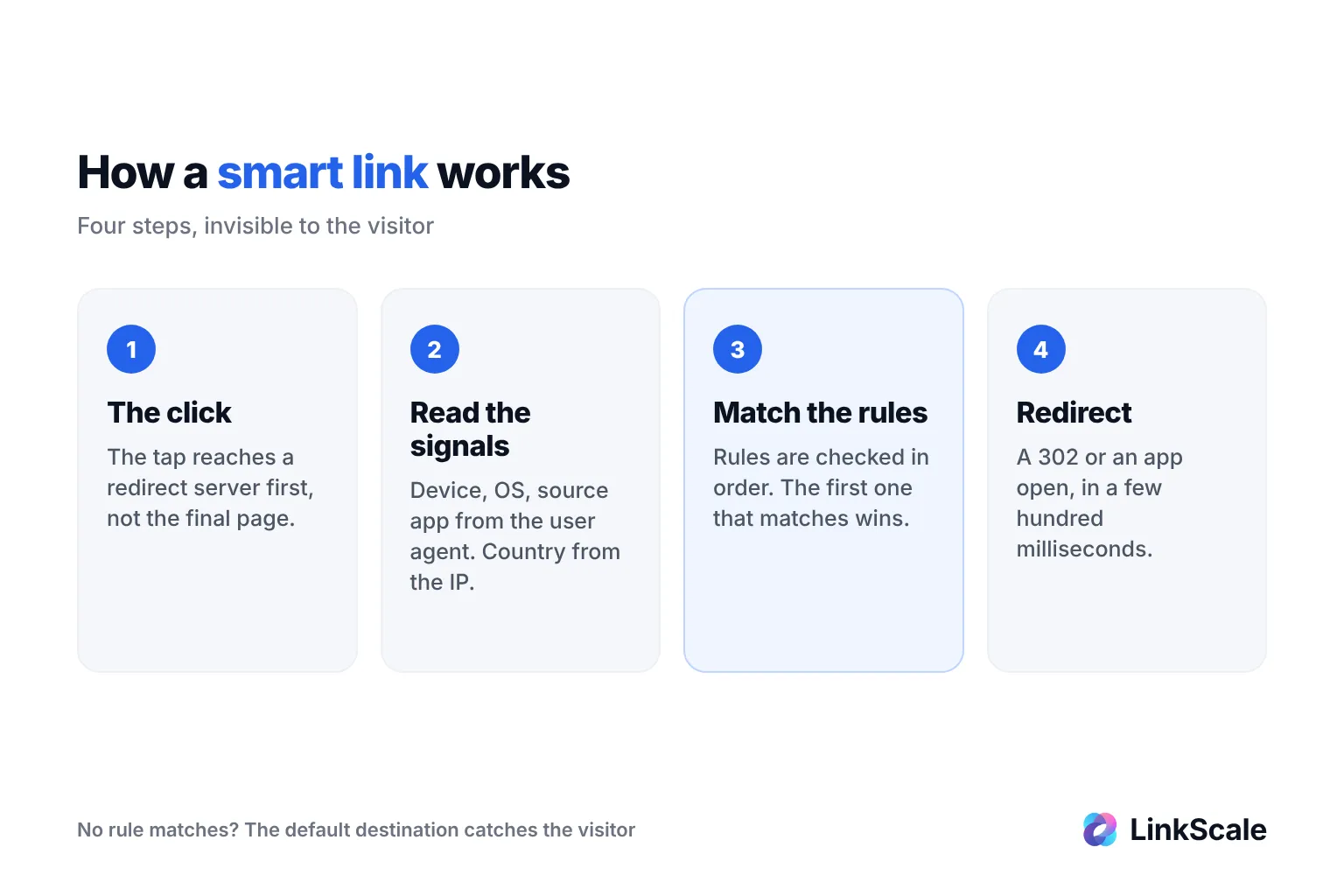
Every smart link follows the same four steps. The visitor never sees them, but each one is a place where the routing can go right or wrong.
The click reaches a server, not a page
A normal link points straight at a destination. A smart link points at a server first. When someone taps it, their browser sends a request that carries a few facts about them: the user agent (device, operating system, browser, often the app they are in), the IP address, the preferred languages and, sometimes, the page they came from.
The server reads the signals and applies your rules
The server turns those facts into decisions. The IP address gives a country. The user agent says iPhone or Android, and whether the tap happened inside the Instagram or TikTok in-app browser. Then it walks through your rules in order and stops at the first one that matches.
Rule order matters more than the rules themselves. A rule "France → French page" placed under a rule "mobile → app" never fires for French mobile visitors.
The redirect happens before the page loads
The answer is a redirect, usually a temporary HTTP 302, or an instruction that opens an app. The whole round trip is a few hundred milliseconds at most. If your smart link adds a visible loading screen, something is wrong with it.
What can a smart link route on?
Not every signal is equally reliable. This is the part most guides skip, and it is where most routing mistakes come from.
| Signal | How it is detected | Reliability | Typical use |
|---|---|---|---|
| Device and OS | User agent | High | App Store vs Play Store, app vs web |
| Source app | User agent of the in-app browser | High for Instagram, TikTok, Facebook | Open the real browser or the target app |
| Country | IP geolocation | Good, wrong behind a VPN | Local offers, legal restrictions, blocking |
| Language | Accept-Language header | Good | Translated pages |
| Time or date | Server clock | Exact | Launches, countdowns, expired offers |
| Random split | Server-side | Exact | A/B testing two landing pages |
| Bot or human | Behaviour, IP reputation, headers | Varies by tool | Keep crawlers and fake clicks out of your stats |
Device and app routing is the most dependable
The user agent is sent with every request, so device and source app are rarely wrong. That is why the most common smart link of all is the app link: one URL that opens an app when it is installed and a website when it is not.
Country routing is good, never perfect
IP geolocation is accurate at country level for most visitors, but a VPN or a corporate proxy moves people to another country. Never build a smart link where a wrong country guess sends a paying visitor to a dead end. Give every country rule a sensible fallback.
Smart link vs deep link vs short link: what is the difference?
The three terms get mixed up constantly, including by tools that sell them.
| Short link | Deep link | Smart link | |
|---|---|---|---|
| What it does | Shortens a long URL | Opens a specific screen inside an app | Picks a destination per visitor |
| Number of destinations | One | One | As many as you have rules |
| Reads device or country | No | Sometimes (app installed or not) | Yes |
| Typical example | A tidy URL for a print ad | A link that opens a product in a shopping app | One bio link that sends iOS, Android and desktop to different places |
A deep link is one of the things a smart link can do
A deep link answers one question: app or no app. Our guide on what a deep link is covers that mechanism in detail. A smart link can contain several deep links and choose between them.
Android and iOS already do part of the job natively
Both platforms have a built-in version of "open the app if it is there". On Android, App Links send users who don't have the app installed to your website insteadOpens in a new tab, with no error. Apple's universal links work the same way on iOS. A smart link sits one level above: it decides which link to serve in the first place.