

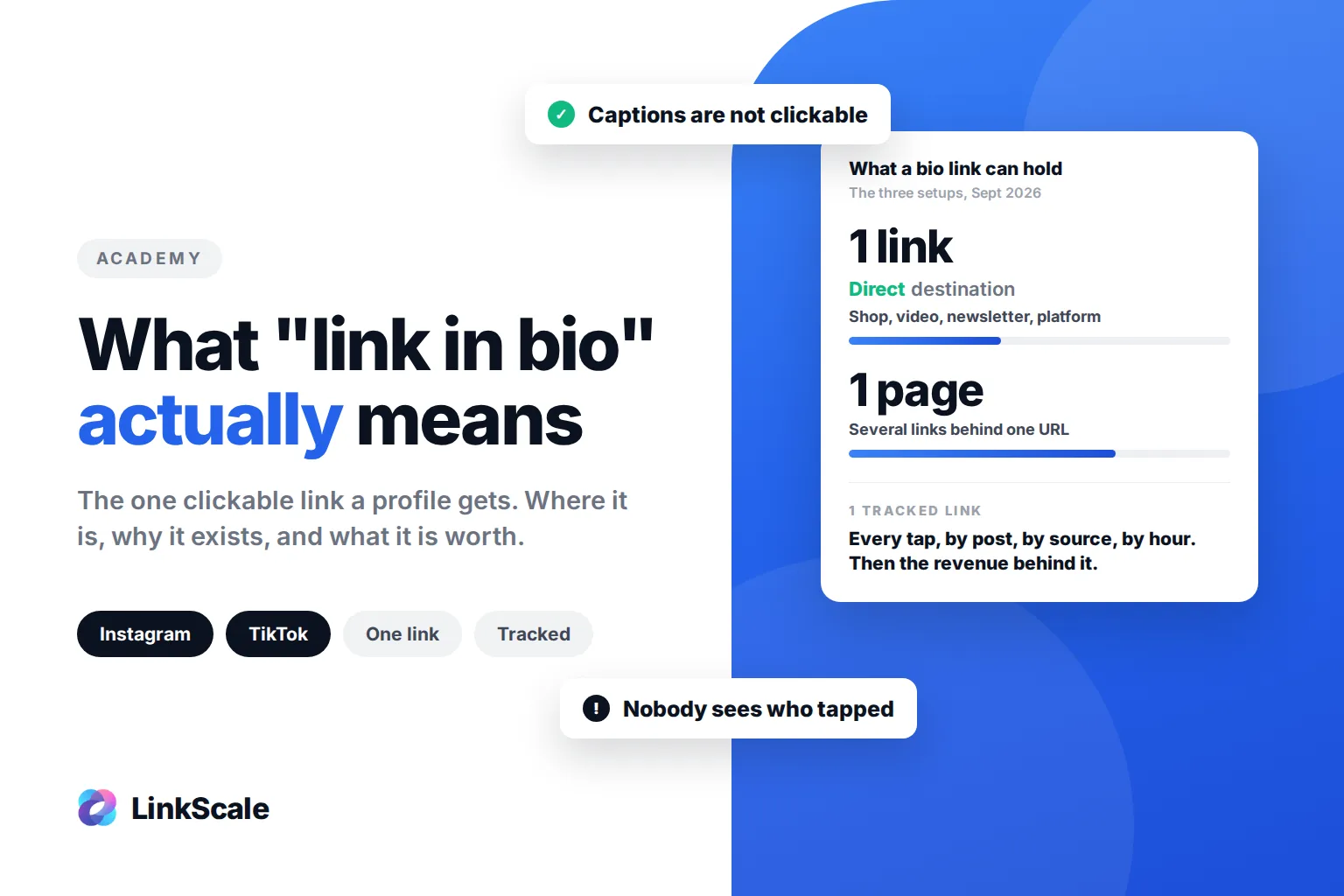
"Link in bio" means the one clickable link a social profile is allowed to show, placed in the bio section under the username. When a creator writes "link in bio" in a caption, they are telling you the page they are talking about cannot be tapped from the post itself, so you have to go to their profile to reach it. That is the whole meaning. What matters more is why it exists and what it is worth.
On Instagram, TikTok and most platforms, captions do not accept clickable links. The bio is the exception. That single link became the doorway for every shop, video, newsletter and paid platform a creator promotes, and the phrase "link in bio" became the standard way to point people to it.
How to find and use the link in bio on Instagram
Where the link in bio is
- Tap the creator's username in a post, a Reel or a story to open their profile.
- Look under the profile name and the bio text. The link appears in blue, sometimes with a small link icon.
- Tap it. Instagram opens the page inside its own in-app browser.
- If the profile shows several links, tapping the first one opens a small list of all of them.
On mobile, the bio may be collapsed. Tap more to expand it if you do not see the link at first.
Where it is on TikTok, YouTube and the others
| Platform | Where the link lives | Who can add one |
|---|---|---|
| Under the bio text, up to five links | Every account | |
| TikTok | "Website" field under the bio | Business accounts, or personal accounts past a follower threshold |
| YouTube | Channel page, under the description, and the video description | Every channel |
| X | "Website" field on the profile | Every account |
| Threads | Link field on the profile | Every account |
| Discord | Profile bio, links are clickable | Every account |
The rules change often. TikTok in particular tightens and loosens who gets the website field. Our guide on adding a link to your TikTok bio covers the current state.
How to add your own
Open your profile, tap Edit profile, then Links (Instagram) or Website (TikTok, X). Paste the URL, add a short title if the platform allows it, save. It is live immediately.
Why creators say "link in bio" instead of posting the link
Because the link would not work anywhere else.
Instagram captions, comments and Reels descriptions do not turn URLs into clickable links. You can type a full address, and the reader would have to copy it by hand. Almost nobody does that. So the caption says "link in bio", the reader taps the username, and the profile does the work.
It also protects the platform. A caption full of clickable links would be a spam magnet. Restricting links to one visible spot per profile keeps them easy to moderate, and it is why Instagram treats that one link as a signal of what the account is about.
The phrase spread from Instagram to TikTok, then to X, Threads and YouTube Shorts. Today "link in bio" is understood on every platform, even the ones that do allow links in captions.
What people actually put in their link in bio
Three patterns cover most profiles.
A single direct link. Shop, YouTube channel, newsletter, booking page, paid platform. Simple, and fine if there is only one destination that matters.
A landing page with several links. One URL in the bio, and behind it a page listing everything: socials, shop, latest video, platforms. This is what most creators and every agency use, because it lets one link serve several goals without editing the bio every week.
A tracked link. Same as either option above, but the URL records every tap: where the visitor came from, which post, which hour, which country, and whether they went on to buy or subscribe. This is the difference between "the post did well" and "the post made money".
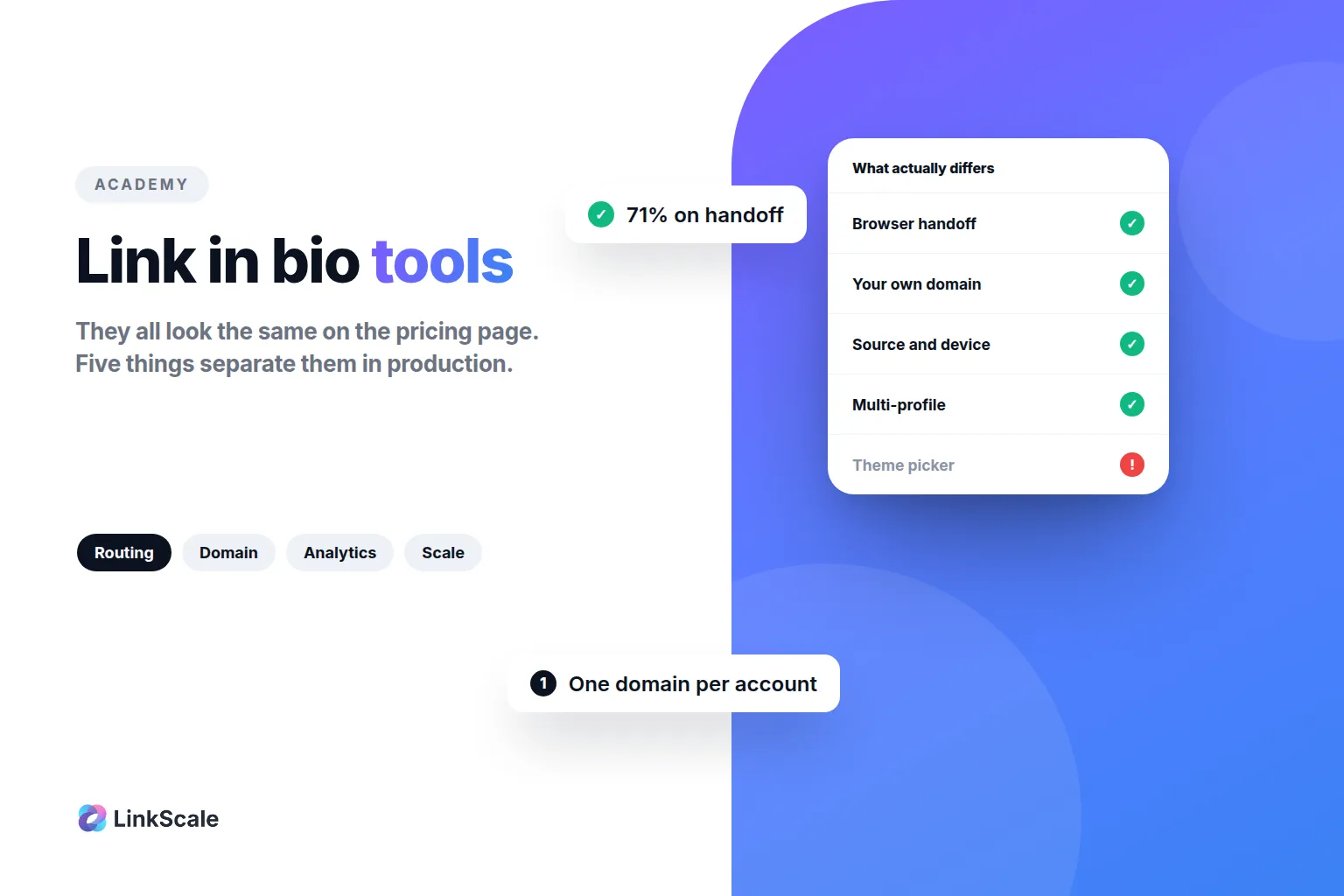
The five things that actually differ between link in bio tools come down to which of these three you need.