
Written by Thomas Melto, CEO of LinkScale. Last updated September 5, 2026.
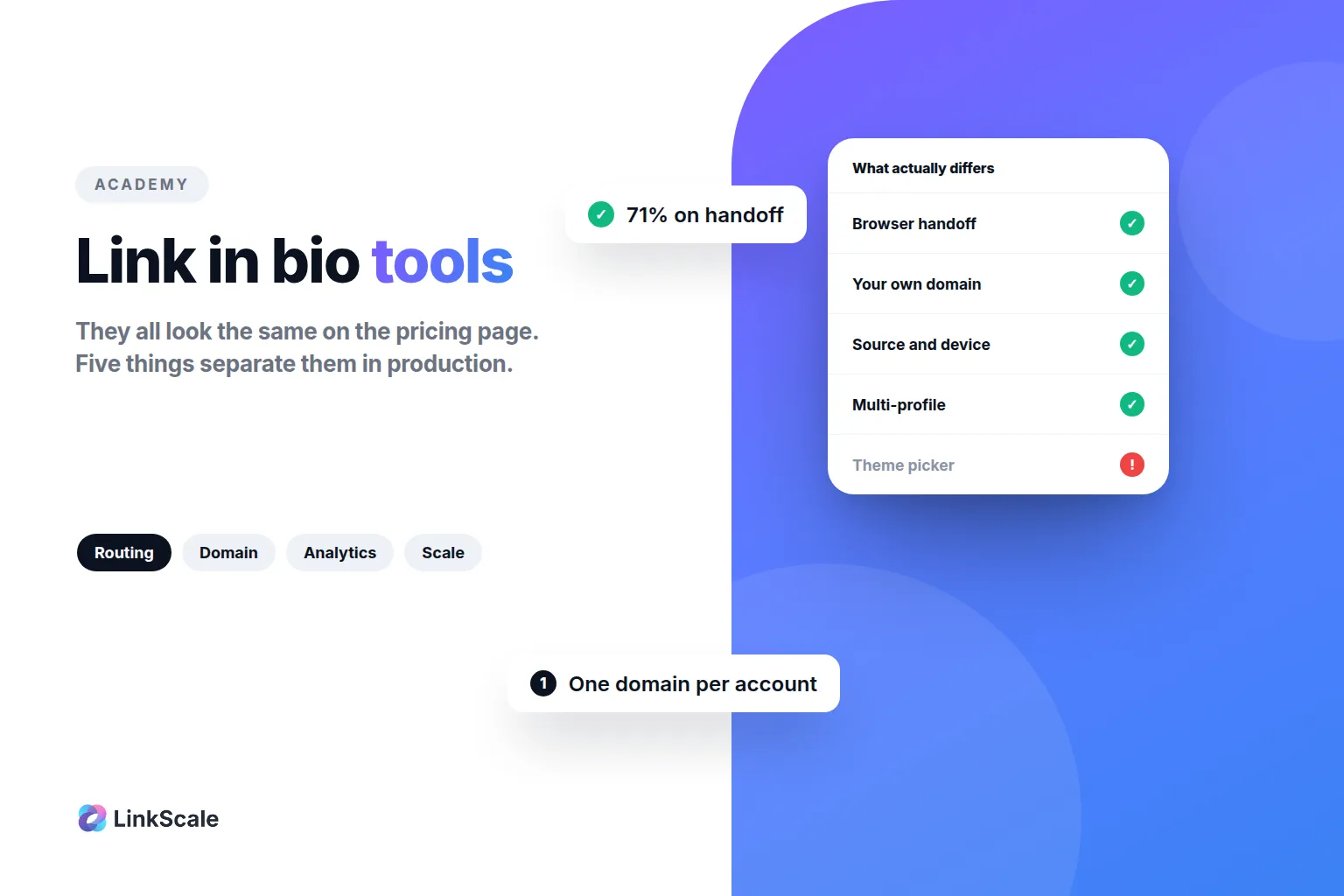
Link in bio tools all look the same on the pricing page and behave very differently in production. The five things that separate them are how the link routes the visitor, whether the domain is yours or shared with strangers, what the analytics actually record, how many profiles one account can manage, and what happens when a platform decides it does not like your link. Everything else is theme selection.
Here is how to judge one, and what each of those five things costs you when it is wrong.
How to choose a link in bio tool
The five things that actually differ
Routing. When someone taps your link inside Instagram, the page can open in Instagram's own in-app browser or be handed to the visitor's real browser. That single difference decides whether they arrive logged in, with their saved passwords and payment methods, or as a stranger who has to sign in again. Most tools do not touch this. It is the largest single variable in the whole category.
The domain. A shared domain carries the consequences of everyone else using it. One report against any account on that address makes it suspect, and every account pointing at it inherits the problem. Spamhaus, which runs one of the most widely used domain reputation blocklistsOpens in a new tab, is blunt about the underlying logic: an unknown domain starts with a poor reputation by default, and good reputation takes far longer to build than to destroy.
What the analytics record. Click counts are table stakes and nearly useless alone. What you need is the source, the device, the browser, the country, whether the visitor arrived through an in-app browser, and whether they actually reached the destination. A tool that only counts taps cannot tell you why a good week and a bad week differed.
Multi-profile management. If you run one account, ignore this. If you run five, or you run client accounts, the difference between a tool built for one profile and a tool built for a workspace is the difference between an afternoon and a week.
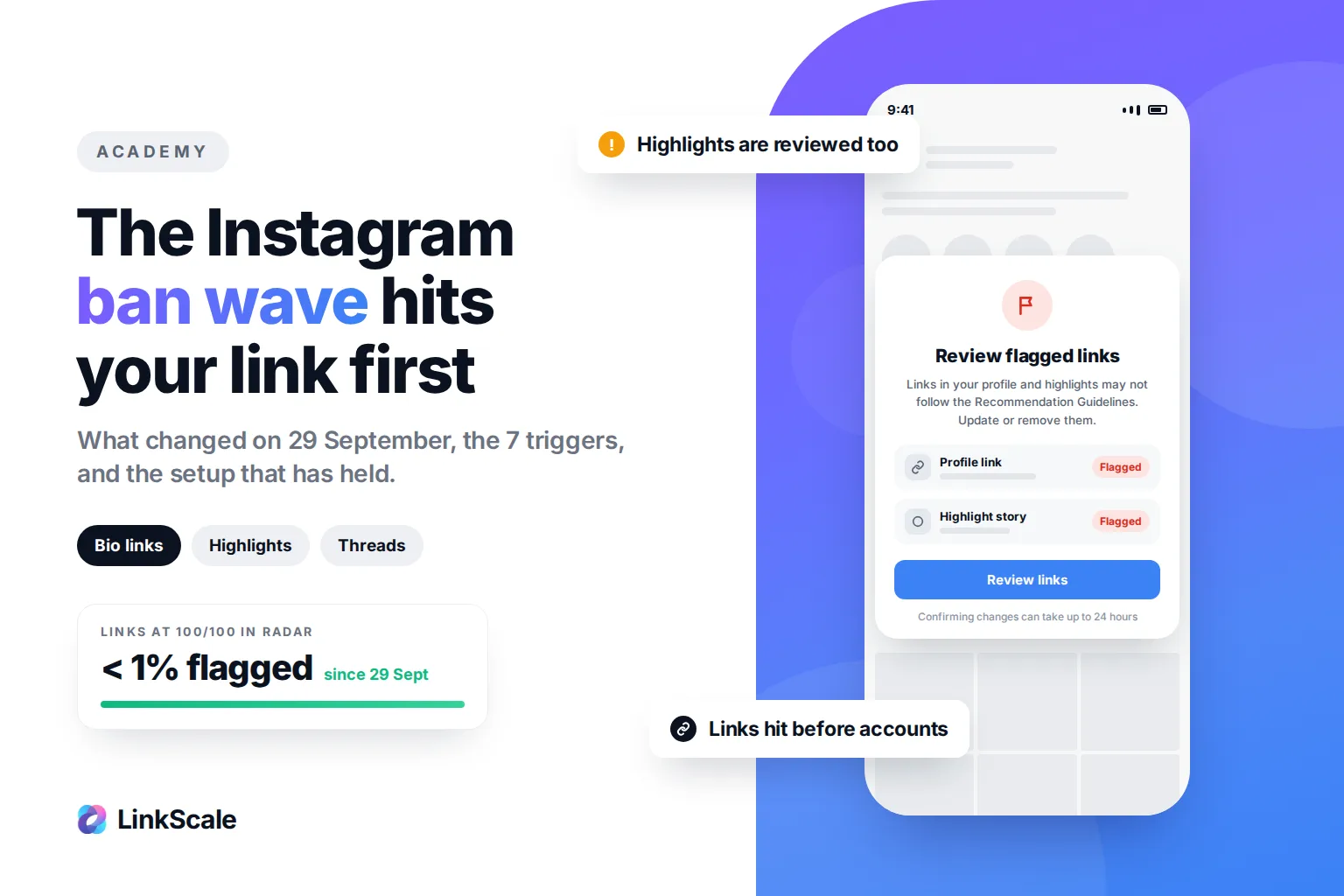
What happens when a link is restricted. Every platform has automated systems that limit links. A tool that gives you no visibility into that leaves you guessing, and guessing is how people spend a month changing the wrong thing.
The two-minute test before you commit
Sign up, build one page, then check three things from your phone.
Open the link from inside Instagram. Does the page open in Instagram's browser or in Safari or Chrome? Then check whether you are still logged in to the destination. Then look at the dashboard and see whether it tells you which browser you just used.
If the tool cannot tell you which browser opened the page, it cannot tell you anything useful about why your conversions move. That test takes two minutes and eliminates most of the market.
What is a link in bio, and why it exists
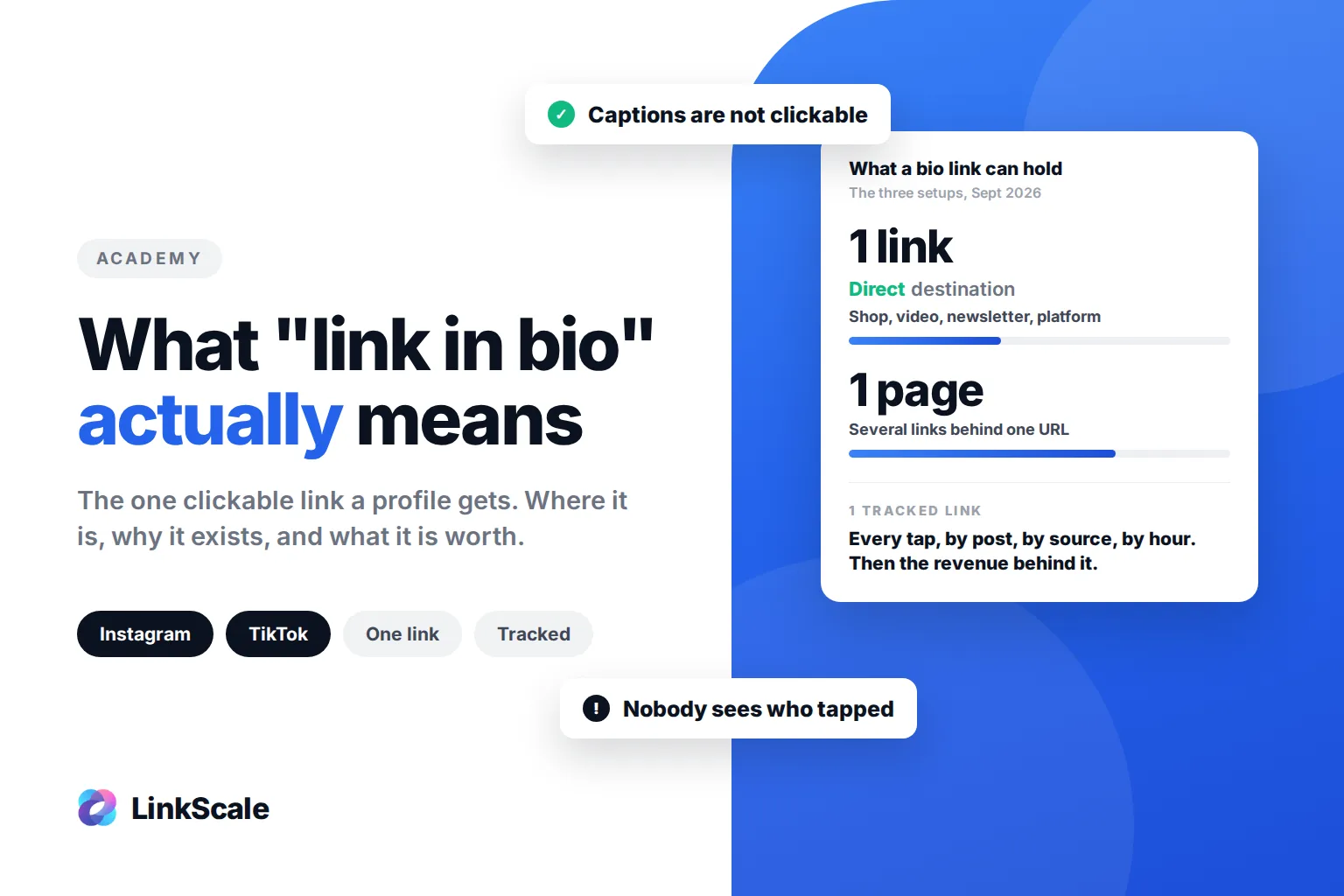
A link in bio is a single URL in a social profile that leads somewhere holding everything else. It exists because the platforms allow one clickable link in a profile and nothing more. If the phrase itself is new to you, start with what "link in bio" means and where to find it, then come back here for the tools.
The one-link constraint that created the category
Instagram gives you one website field. TikTok gives you one, and only unlocks it under certain account conditionsOpens in a new tab. X, Threads and Snapchat are all variations on the same restriction.
So the whole category exists to work around a limit of one. That is worth remembering, because it means the value of the tool is entirely in what it does with that one link, not in how many buttons it can display.
What changed in 2026
Two things.
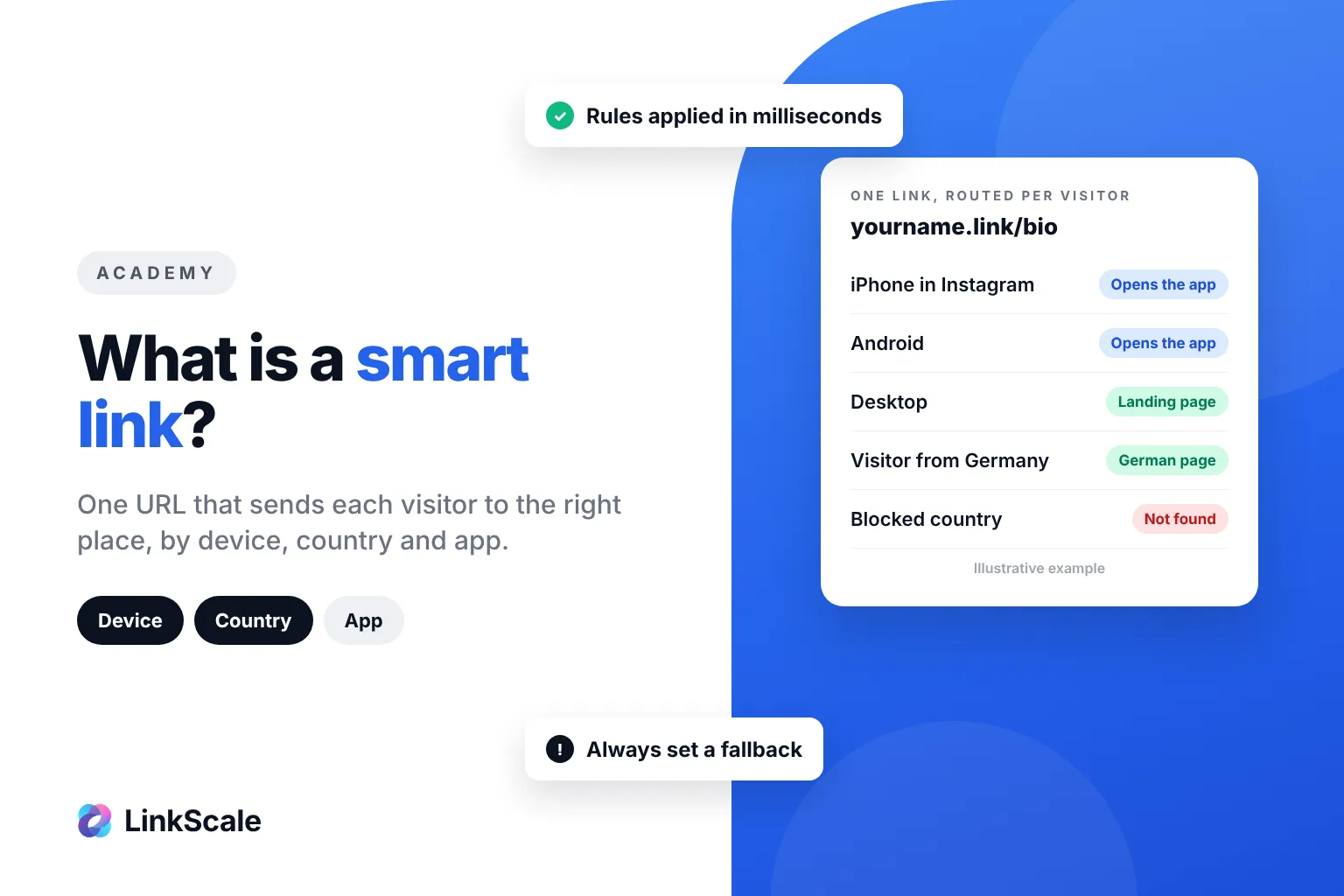
Instagram stopped handing links to the visitor's default browser in March 2026, which made routing a real technical problem rather than a detail. We took that apart in what is a deep link.
And platform link filtering got more aggressive across the board, which moved domain reputation from a nice-to-have to the thing that decides whether your link works at all.
What a link in bio tool actually does
Routing, which decides your conversion rate
A page that opens in an in-app browser arrives without the visitor's session. No cookies, no saved passwords, no autofill, no stored payment method. If your destination needs a login or a checkout, the visitor has to start over.
In a LinkScale study across several thousand Instagram accounts, links that handed the visitor off to their own browser reached 71% conversion on the destination platform, because the session and the logins were already there. That gap is the single most actionable number in this article.
If your destination is a public page with nothing behind a login, routing matters much less. Be honest about which case you are in.
The domain, which decides whether the link survives
Platforms judge the address, not just your account. A domain shared by thousands of unrelated profiles is a high-value target for automated scanning, because one detection there pays off many times over.
In our own data, the same link on a custom domain gets up to 27% more clicks than on a shared one. Part of that is reputation, part of it is simpler: a visitor reads the address before deciding to trust it. The reasoning is laid out in why a custom domain matters for bio links.
The practical rule that follows is dull and it works: one domain per account. Not one per brand, not one per campaign.
Measurement, which decides whether you learn anything
The useful questions are not how many people clicked. They are which source sent them, on what device, through which browser, from which country, whether the UTM survived the redirect, and whether they reached the destination or died on the way.
That layer sits before any pixel on your site can fire, which is why site analytics alone leaves a gap. We cover that gap in pixel tracking.