Writing an Instagram bio takes one sentence more often than it takes three. The field holds 150 characters, but Instagram collapses anything past roughly three lines behind a "more" link that most people never tap. So the real job is not filling the space. It is deciding what earns the space, and putting the line that sends people to your link where they will actually read it.
How to write an Instagram bio, line by line
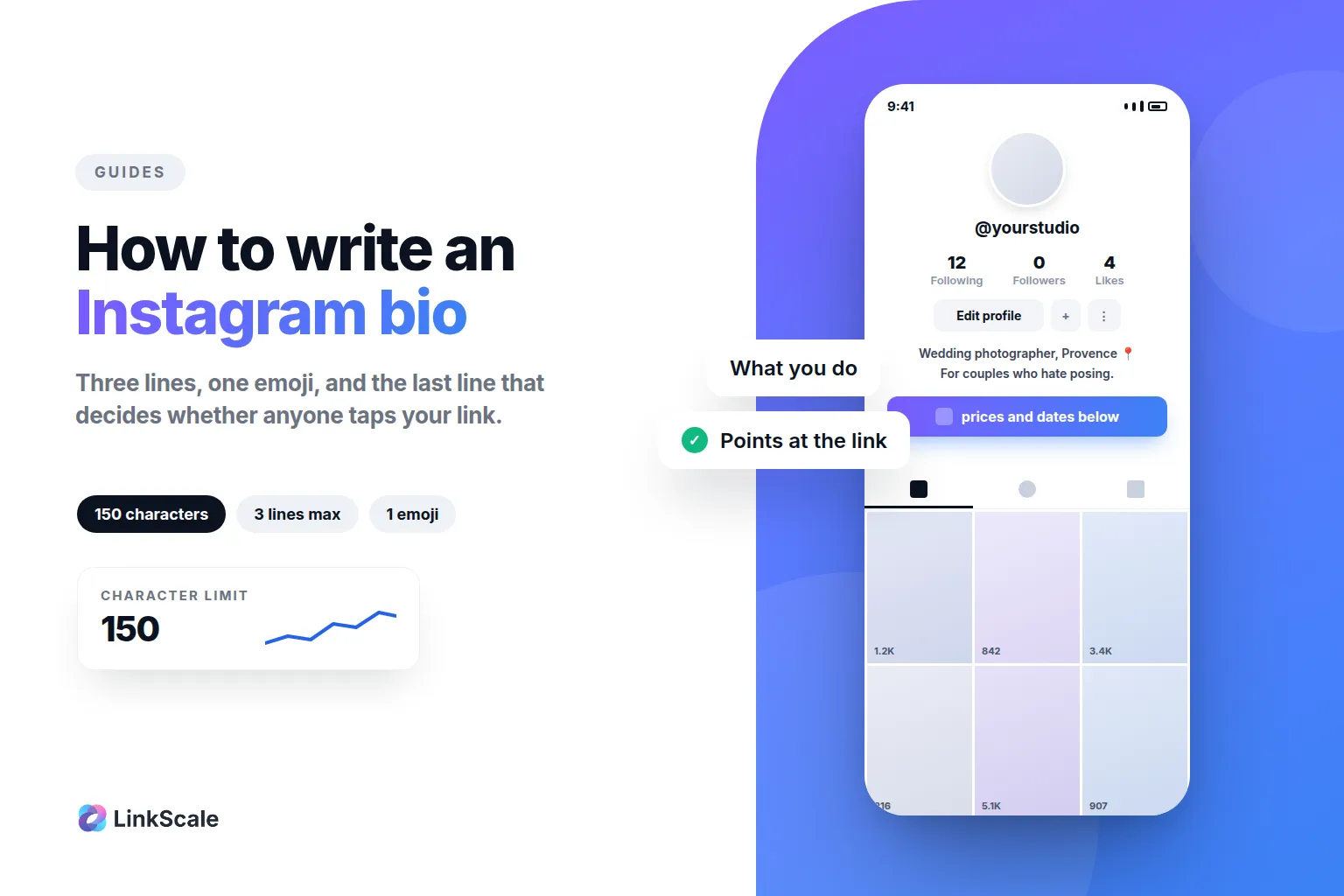
The structure that works is boring, which is exactly why it works. Three lines, each doing one job, in this order.
Line 1: what you do, in words a stranger understands
Not your job title. Not your positioning statement. What you actually make or do, said the way you would say it out loud.
"I photograph weddings in Provence" beats "Visual storyteller capturing timeless moments". The first is a fact someone can act on. The second is a sentence that could belong to four thousand accounts.
If a stranger cannot repeat your first line back to you after reading it once, it is too clever.
Line 2: who it is for, or what makes you different
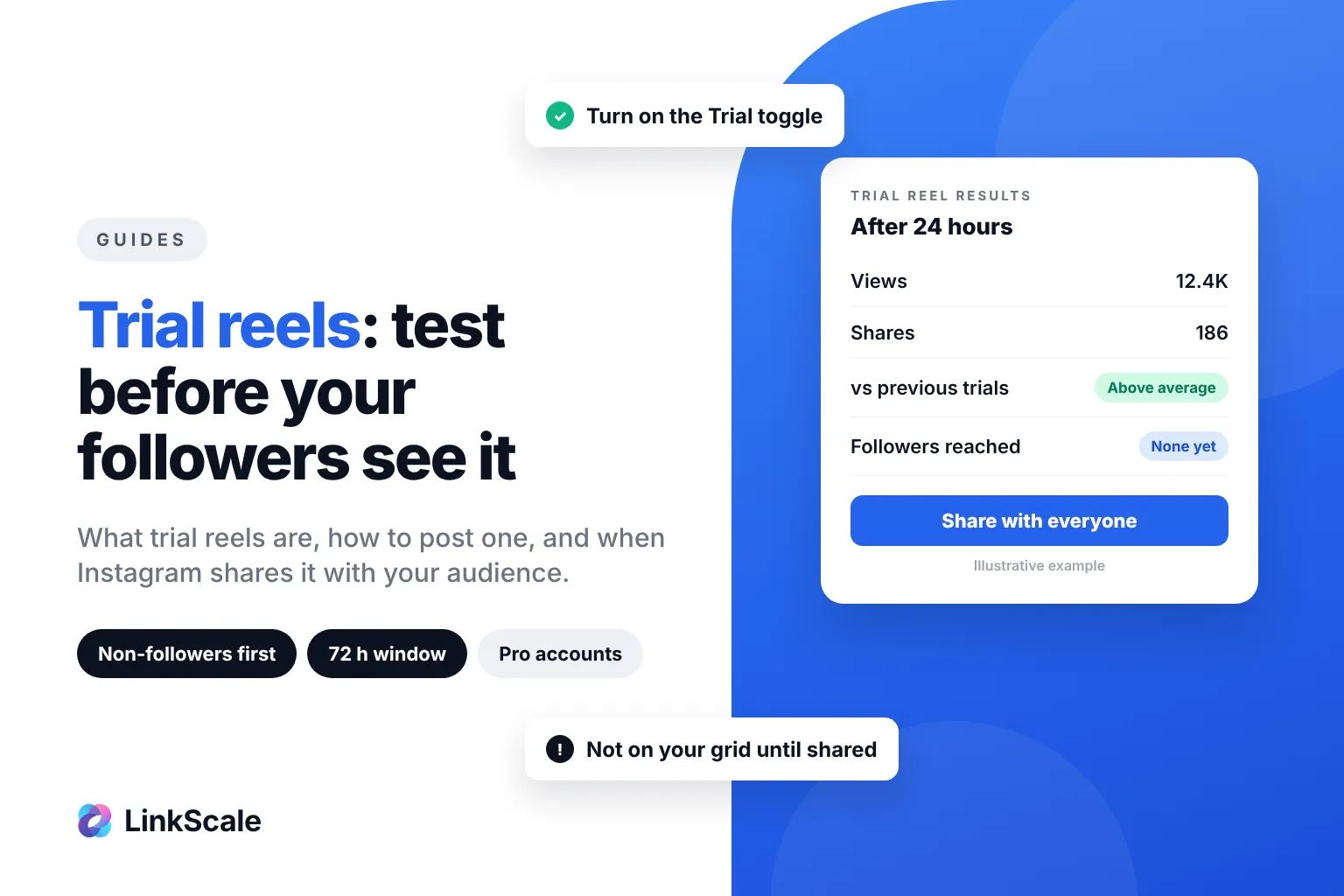
This is the line most accounts skip, and it is the one that turns a visitor into a follower. It matters even more when your Reels reach people who do not follow you yet, which trial reels do by design: they tap your name, read two lines, and decide. Either name the audience, or name the thing nobody else says.
"For couples who hate posing" does more work than any adjective. So does a number, if you have a real one: "12 years, 300 weddings".
Line 3: the line that sends people to the link
The link sits directly under your bio, and Instagram gives it no label beyond the URL itself. Nothing tells the visitor why they should tap it. That is your job, and it belongs on the last line, immediately above the link. That single link is what the whole phrase "link in bio" refers to, and we go through what "link in bio" actually means and what creators put behind it separately.
"Prices and availability below" works. "Free packing checklist below" works. The word "below" is doing the pointing, and it costs you six characters.
Leave this line out and you have written a description. Put it in and you have written a bio that converts.
How many characters do you actually get?
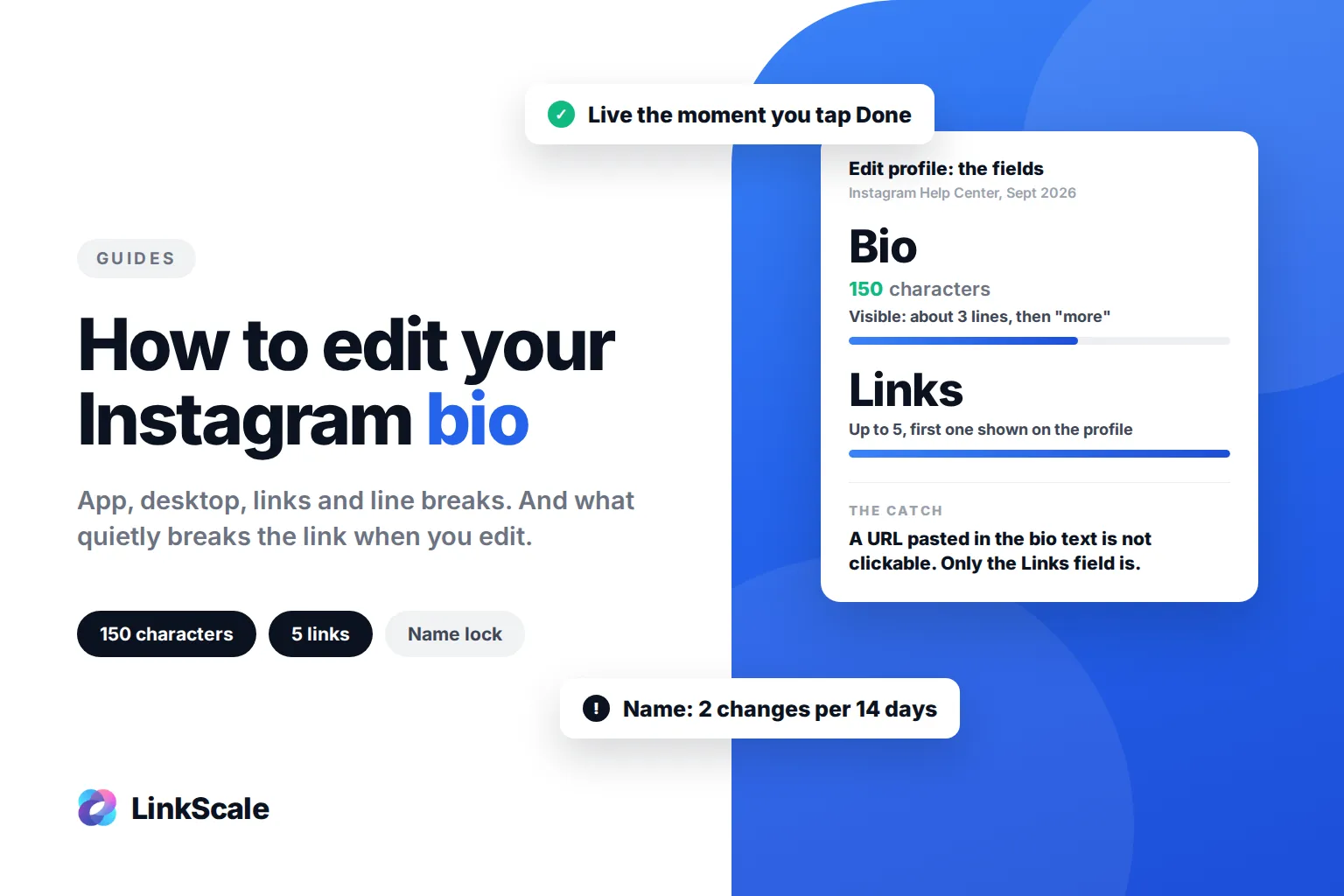
Bio is short for biography, and our guide to what bio means on each platform compares the limits on Instagram, TikTok and X. Instagram's own Help Center is explicit: you can write a bio of up to 150 charactersOpens in a new tab on your profile. That number has been stable for years.
What trips people up is that the bio is not the only text field on your profile, and the others have their own rules.
The Name field is the one people waste. It is not your username, it is a separate editable field, and it is the first thing a visitor reads. Putting your name there when your name means nothing to strangers is a missed line.
Why a shorter bio beats a longer one
The most common piece of advice on this subject is wrong. You do not need to use all 150 characters. In most cases you should not.
Instagram truncates after about three lines
Past that, your text disappears behind "more". Whatever you wrote there is functionally invisible, because the visitor is deciding whether to follow you in under two seconds and they are not going to tap to read the rest.
Everything that matters has to survive the truncation. Write the bio, look at it on a phone, and delete whatever falls below the fold.
One sentence is often the entire bio
If your first line is genuinely clear and your last line points at the link, the middle line is optional. Plenty of strong accounts run two lines. Some run one.
A bio that says "Wedding photographer, Provence. Prices below." is not underwritten. It is finished.
What we measured
In our own A/B testing at LinkScale, bios that ended without an explicit line pointing at the link converted about 28% worse than the same bios with one. Same account, same audience, same link. The only variable was the last line.
That number is the reason line 3 is not optional advice.
Where is the bio on Instagram, and how do you edit it?
The bio lives in Edit profile, which is not where most people look first.
On the mobile app
Open your profile from the bottom right icon, tap Edit profile, and the Bio field is the third one down, under Name and Username. Type, then tap Done in the top right. The change is live immediately.
On desktop
Same path, fewer options. Go to your profile, click Edit profile, and the Bio field is there. Some features that exist in the app are missing on the web, so if a field you expect is absent, check the phone. The full walkthrough, including the Links section, the name lock and the "couldn't save" errors, is in how to edit your Instagram bio.
How to make line breaks actually stick
This is the part that frustrates people. Typing a line break directly into the bio field works on some versions of the app and silently collapses on others.
The reliable method: write the bio in your phone's notes app with the line breaks you want, copy the whole block, and paste it into the bio field. Pasted line breaks hold. Avoid trailing spaces at the end of a line, which is usually what breaks a paste.
If a break still collapses, an invisible-character trick circulates online. It works, but it also inserts characters that screen readers announce as nothing useful. The notes-app paste is cleaner.
What should you put in your Instagram bio?
The four things that earn their space
What you do. Who it is for. One proof point, if you have a real one. And the line pointing to the link. That is the whole list.
Everything else is competing with those four for 150 characters, and everything else loses.
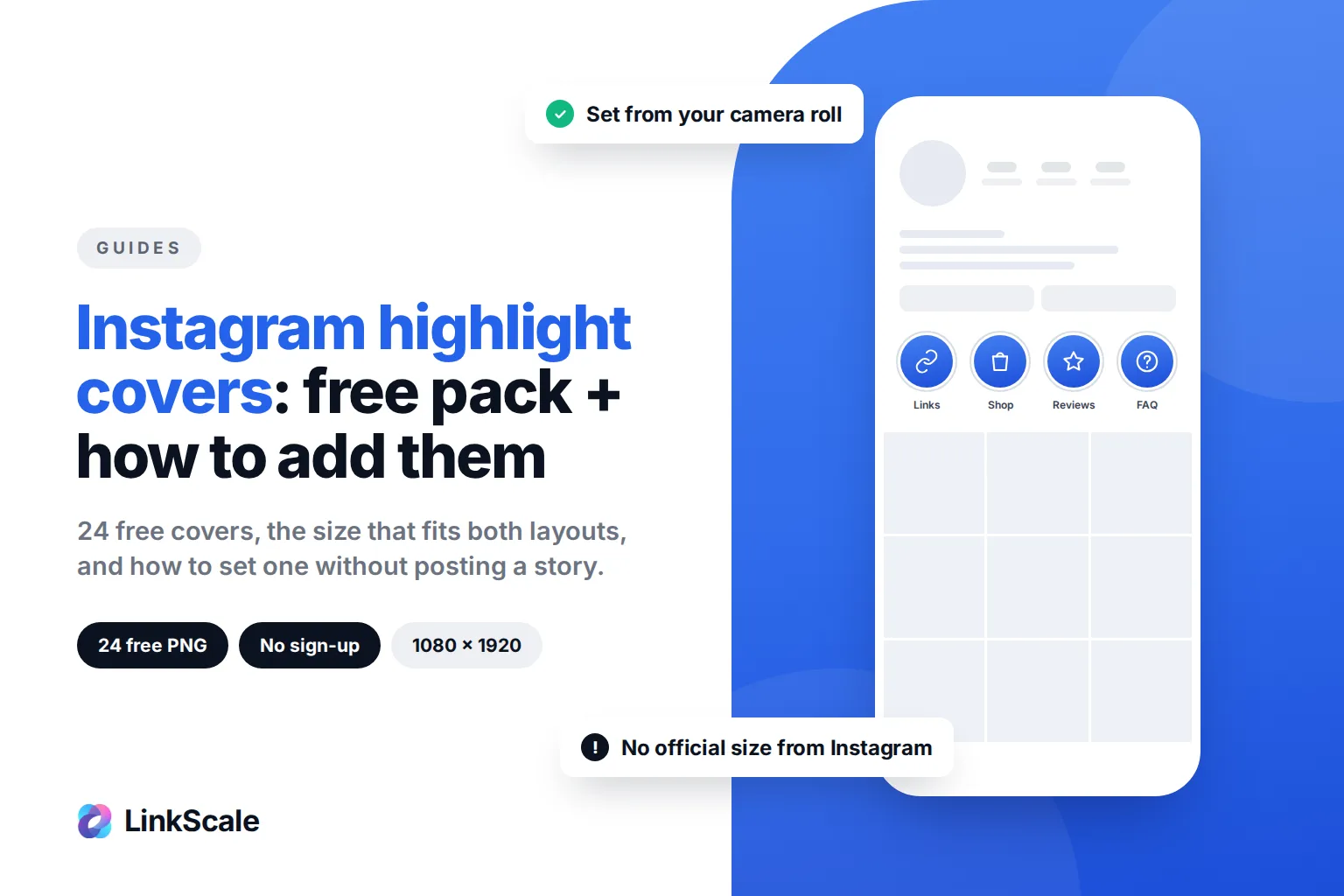
The row of highlights right under the bio is the next thing a visitor sees, so give it one consistent look. Our free Instagram highlight covers come in two styles, with the steps to set them in a minute.
What to leave out
Your location, unless it changes the buying decision. Your email, which belongs in the contact button on a professional account. A list of every platform you are on, which sends people away from the profile they just landed on. Motivational quotes. The word "passionate".
Anything a visitor cannot act on is taking space from something they can.
Emojis: one earns attention, five spend it
At least one emoji is worth it. It breaks up a wall of text, it acts as a bullet, and it draws the eye to the line you want read.
Five is a different thing. Beyond one or two, they stop guiding attention and start competing for it, and the message dilutes exactly when the visitor is deciding whether to stay.
There is also a reason to be careful that has nothing to do with taste. Emojis carry their own predefined names, and assistive technology reads those names out. The W3C's guidance on the subject notes that emojis come with pre-defined names that might not match what the author intends to communicateOpens in a new tab, and gives the example of a triangle that announces as "black right-pointing pointer" when the author meant a play button. A bio built out of six decorative emojis is read aloud as six label strings before the visitor reaches your actual sentence.
One emoji, placed on purpose. Not a border made of them.
Does your Instagram bio matter for search?
A little. Less than the accounts selling bio optimisation would like you to believe, and more than nothing.
What Instagram says it matches
Instagram has published how its search works, and it is direct about the inputs: we try to match what you type with relevant usernames, bios, captions, hashtags and placesOpens in a new tab. Bios are on that list.
The same post recommends using a username and profile name connected to what you do, and including keywords about who you are in the bio.
Keywords in a bio: useful, not decisive
So write the plain word for what you do, rather than the clever version. "Wedding photographer" is searchable. "Visual storyteller" is not, because nobody searches it.
But keep the proportion honest. The bio is a conversion surface first and a search surface a distant second. Do not wreck a clear first line to fit three keywords into it. If your bio reads like it was written for a machine, you have traded a real visitor for a hypothetical one.
The two mistakes on almost every account we open
We look at a lot of profiles. Two problems come up so often that they are effectively the default state.
Too many emojis
Not one or two placed deliberately. Six, eight, arranged as decoration, sometimes as a border. The account owner sees personality. The visitor sees noise and cannot find the sentence that tells them what this account is.
Sentences built for the writer, not the reader
Long, layered sentences that made sense while being written and make none while being scanned. Subordinate clauses. Two ideas joined by a comma. A parenthesis inside a parenthesis.
The fix is mechanical: cut every sentence at the first point where it could stop. Then read what is left. In most cases nothing was lost, and the bio suddenly fits above the fold.
Both of these show up alongside the same handful of link problems, which we cover in the most common bio link mistakes.
Before and after: the same bio, rewritten
This is a constructed example, not a client account. It is built out of the two mistakes above, because that is what a real bad bio looks like.
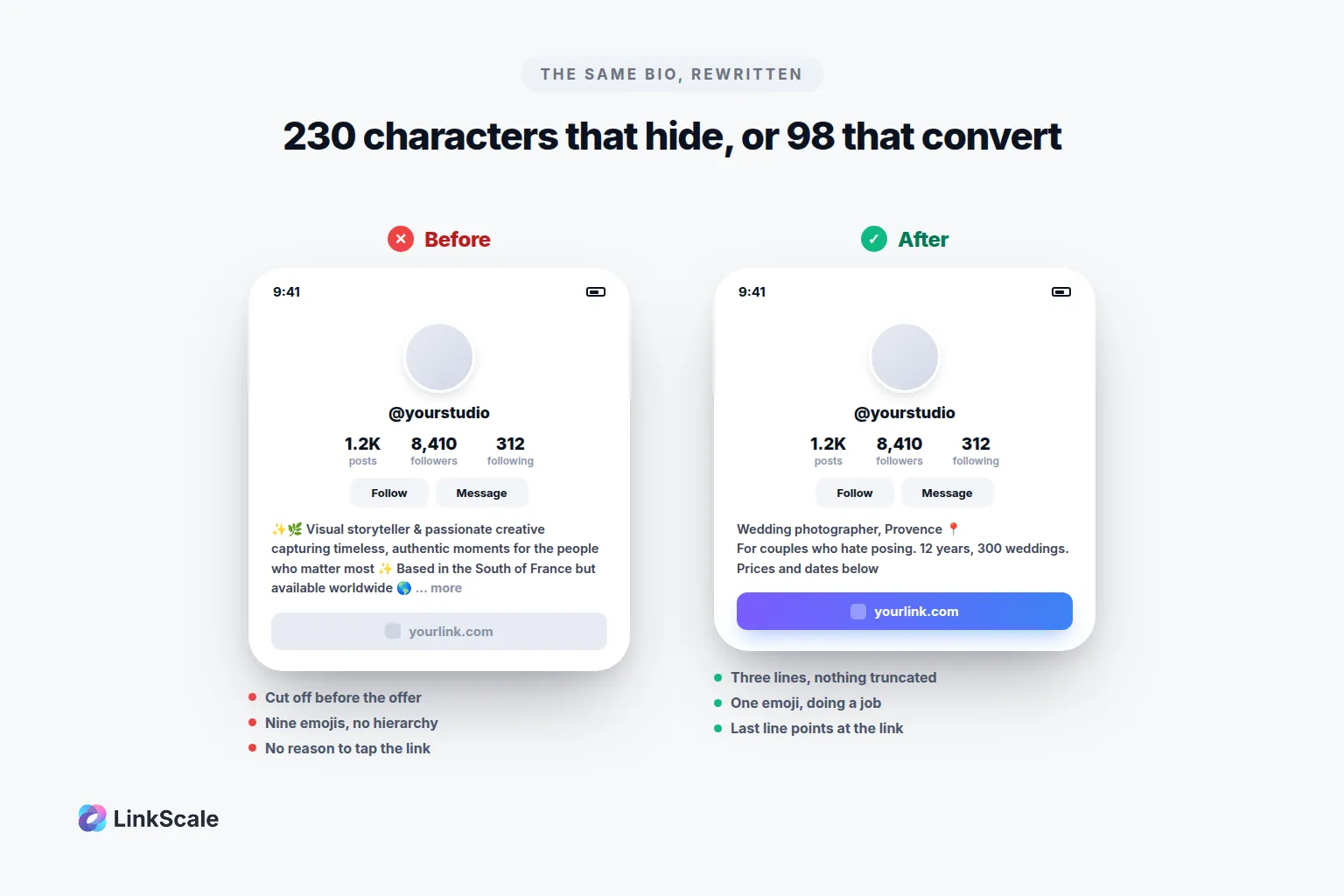
Before
✨🌿 Visual storyteller & passionate creative capturing timeless, authentic moments for the people who matter most ✨ Based in the South of France but available worldwide 🌍 Let's create something beautiful together 💫 DM for inquiries 📩✨
yourlink.com
Two hundred and thirty characters, so it is cut off before the reader reaches "DM for inquiries". Nine emojis. Nothing that says what is actually being sold. The link has no reason to be tapped.
After
Wedding photographer, Provence 📍
For couples who hate posing. 12 years, 300 weddings.
Prices and dates below
yourlink.com
Ninety-eight characters. Three lines, so nothing is truncated. One emoji, doing a job. The first line is a fact, the second is a reason to care, the third is an instruction.
What changed, precisely: the job title became a job, the adjectives became a number, the platform list disappeared, eight emojis went, and a line pointing at the link appeared where there was none.
How do you know if your bio is working?
What Instagram tells you, and what it does not
Instagram does not tell you who clicked your link. There is no list, no notification, and nothing in Insights that names a person. A professional account gets aggregate profile activity, including a count of taps on the link, and that count is the extent of it.
It also does not keep a history of your old bios for you to browse. When you overwrite a bio, the previous version is gone from your side. Keep your own copy in a note before you change it if you care about the versions.
So the honest answer is that Instagram's own numbers tell you almost nothing about whether the bio is working. They tell you how many people tapped. They do not tell you what happened next, and what happened next is the only part that matters.
What actually decides whether the click converts
This is where most of the effort goes to waste. A bio can do its job perfectly, earn the tap, and still convert nothing, because the tap is the beginning and not the end.
Two things decide the rest. The domain the link points to, because a visitor reads the address before deciding to trust it and platforms judge it before deciding to show it. And the page it lands on, because a page that loads slowly, offers eight choices, or looks nothing like the profile the visitor just left will lose the person you spent months earning.
A bio that converts is a clear last line plus an address that looks like it belongs to you plus a landing page that answers the promise that line made. Get one of the three wrong and the other two stop mattering. And the bio is not the only place that link can live: a story highlight can carry the same link, which we cover in how to add a link to an Instagram story. Until 29 September 2026 that placement was less exposed than the bio. Since then, Instagram reviews highlight links the same way as the bio link, so what protects a link is your own domain, a multi-link landing page and a clean account. We go into why the address itself carries so much weight in why a custom domain matters for bio links, and why the browser the link opens in changes the outcome in what is a deep link.
If you want a starting point rather than a blank field, our Instagram bio generator is free and needs no account. It builds the three-line structure above, and you rewrite from there. And if you are doing the same exercise on the other platform, the mechanics are different enough to be worth reading: how to add a link to your TikTok bio, and TikTok bio ideas that fit in its 80 characters.
Frequently asked questions
How many characters can an Instagram bio be?
150 characters, per Instagram's own Help Center. Line breaks count toward the total. In practice you have less than that, because anything past roughly three lines is hidden behind a "more" link that most visitors never tap.
Can you see your old Instagram bios?
No. Instagram does not keep a browsable history of your previous bios, and there is no setting that reveals one. Once you save a new bio the old text is gone from your side, so copy it into a note first if you want to compare versions or roll back.
Does Instagram tell you who clicked the link in your bio?
No. There is no list of people and no notification. A professional account sees an aggregate count of link taps in its profile activity, with no identities attached. Anything more granular has to come from tracking on your own link.
Can you add line breaks to an Instagram bio?
Yes, but typing them directly into the field is unreliable. Write the bio with its breaks in a notes app, copy the whole block, and paste it into the bio field. Watch for trailing spaces at the end of a line, which is the usual reason a pasted break collapses.
How many emojis should you put in your Instagram bio?
One, or two at most, each placed to draw the eye to a specific line. Past that they compete with your text instead of guiding attention, and screen readers announce every one of them by its predefined name before reaching your sentence.
Do keywords in your bio help people find you?
Somewhat. Instagram says it matches search terms against usernames, bios, captions, hashtags and places, so the plain word for what you do is worth including. It is not worth damaging a clear first line to fit more of them in.
Last updated: 5 October 2026. Written by Thomas Melto, CEO of LinkScale.