
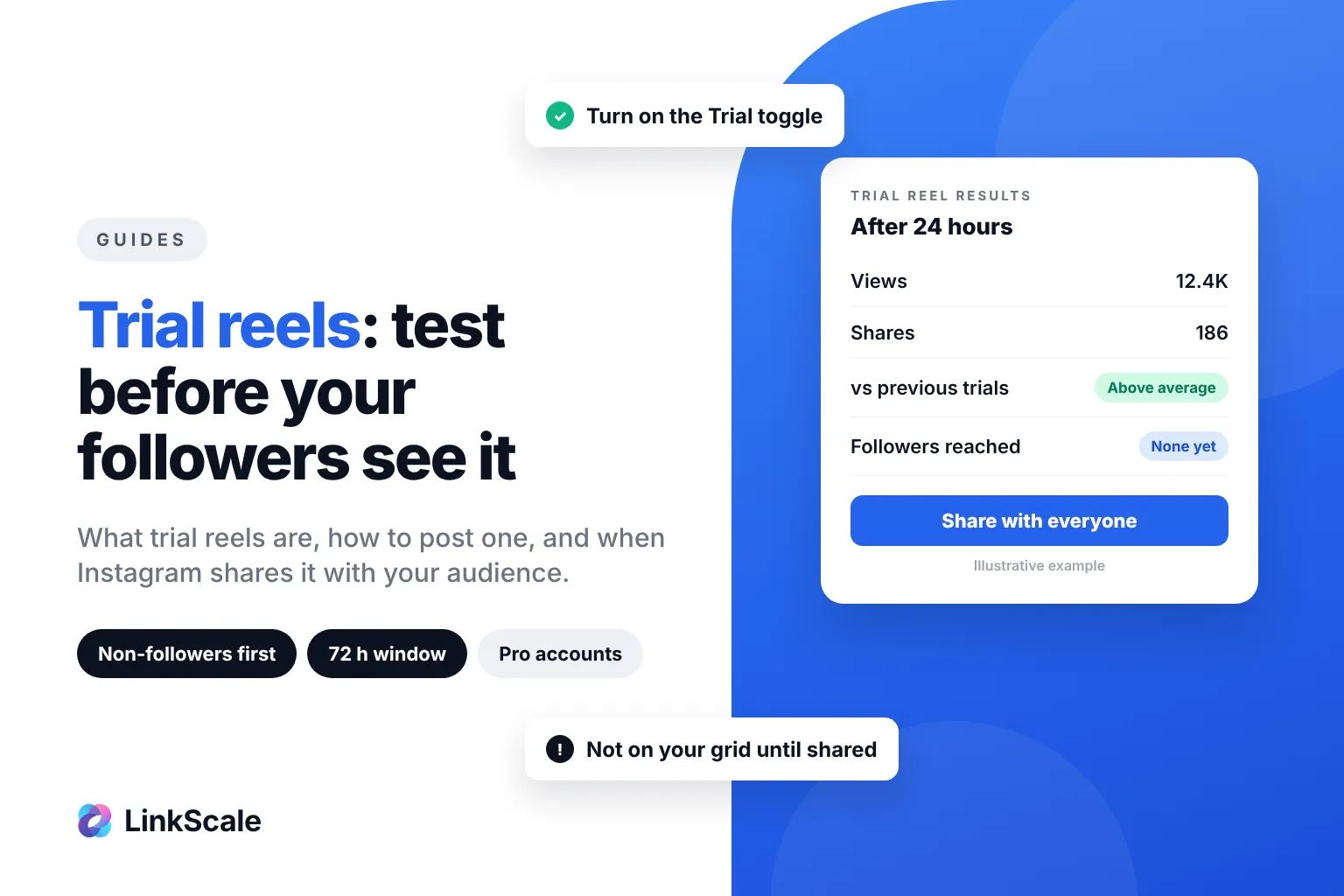
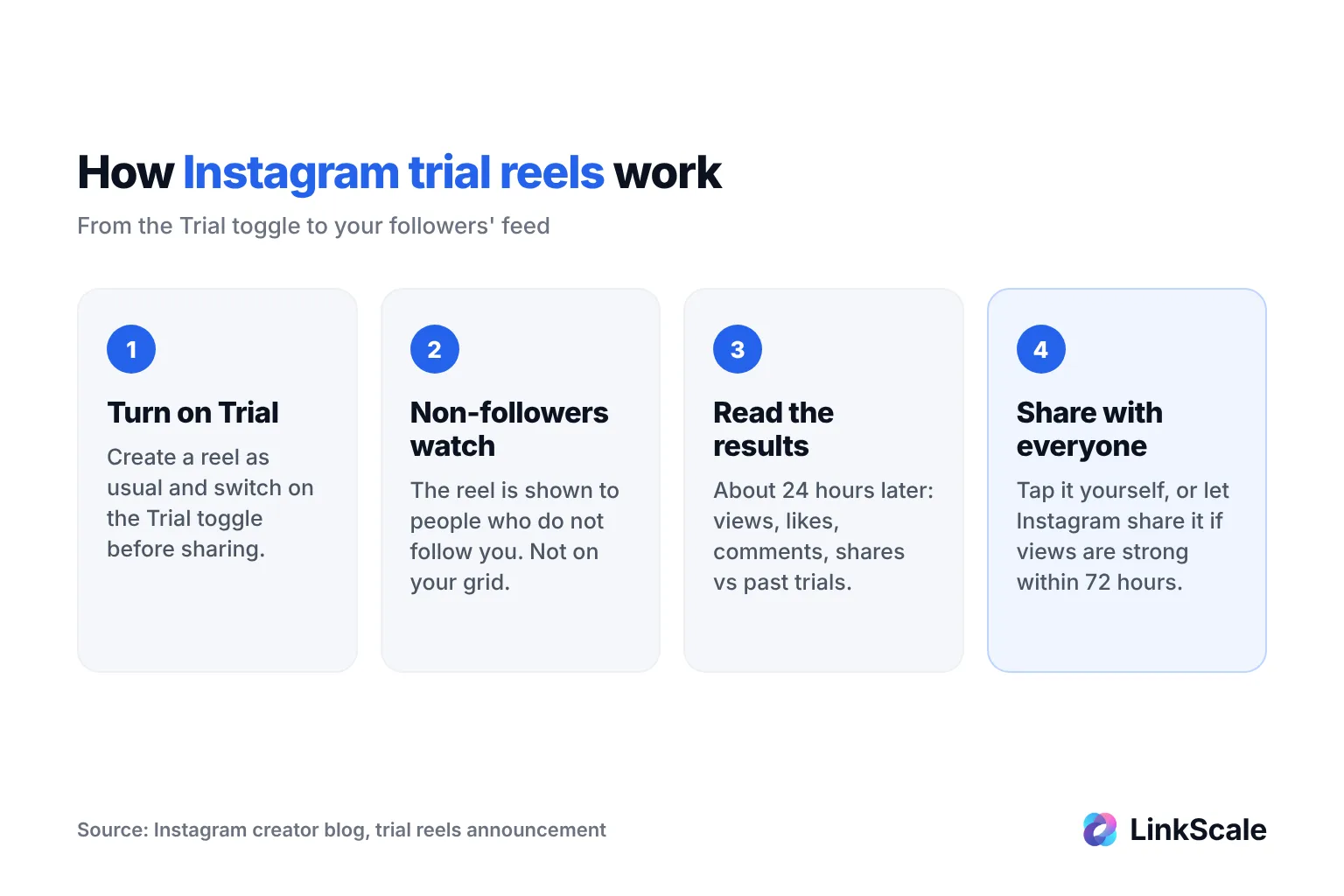
Trial reels on Instagram are reels shown to non-followers first. Your followers do not see them in their feed or on your profile unless you decide to share them. To post one, create a reel as usual and turn on the Trial toggle before sharing. After about 24 hours you see the results, then share it with everyone or let Instagram do it automatically.
The feature exists to remove the fear of posting something different in front of your own audience. Here is how to use it, what it really changes, and how to turn the test into actual results.
How to post a trial reel on Instagram
Trial reels use the normal reel flow. The only difference is one toggle at the end.
Step by step
- Tap + and choose Reel.
- Record or import your video, edit it and add your audio, text and cover as usual.
- On the final screen, before sharing, turn on the Trial toggle.
- Choose whether Instagram should share it with your followers automatically if it performs well, or leave that off to decide yourself.
- Tap Share.
The reel now goes out to people who do not follow you. It does not appear on your profile grid or in your Reels tab for now.
Why the Trial toggle is missing
If you do not see the toggle, check these points in order:
- Your account is not a professional account. Trial reels are built for creators and businesses. Switch in Settings and activity > Account type and tools.
- Your account is private. A trial has to be shown to strangers, so the account must be public.
- Your app is out of date. Update Instagram and restart it.
- The feature has not reached your account yet. Instagram announced trial reels on 10 December 2024Opens in a new tab and rolled them out to "eligible creators" in waves. Instagram does not publish a fixed follower minimum.
What are trial reels, exactly?
A trial reel is a normal reel with a different first audience. Instead of being pushed to your followers first, it is tested on people who have never followed you.
Who sees a trial reel
According to Instagram's creator blogOpens in a new tab, followers will not see a trial reel in Feed or in the Reels tab, and it will not show on your profile. There are exceptions: a follower can still come across it if someone sends it to them in a DM, or on pages that group reels by the same audio, location or filter.
So a trial reel is mostly private from your followers, not invisible to them. Do not post anything you would be embarrassed to see shared.
Trial reel vs regular reel
| Trial reel | Regular reel | |
|---|---|---|
| First audience | Non-followers | Followers, then non-followers |
| On your profile grid | No, until you share it | Yes, immediately |
| In your followers' feed | No, until you share it | Yes |
| Results | After about 24 hours, compared with your previous trials | Live in Insights |
| Can become a normal reel | Yes, manually or automatically within 72 hours | Already is |
How trial reels get shared with your followers
Once the reel has run, you have two ways to bring it to your audience.
Share it manually
About 24 hours after posting, open the reel to see its views, likes, comments and shares, plus how it compares with your previous trials. If you like the numbers, tap Share with everyone. The reel then lands on your profile grid and goes to your followers like any other reel.
Let Instagram share it automatically
You can turn on automatic sharing. Instagram then shares the trial with your followers if it performs well based on views in its first 72 hours. You can change this setting at any time. Instagram does not disclose the exact threshold.
If the trial underperforms, simply leave it. It never touched your grid, so it does not drag your profile down.