
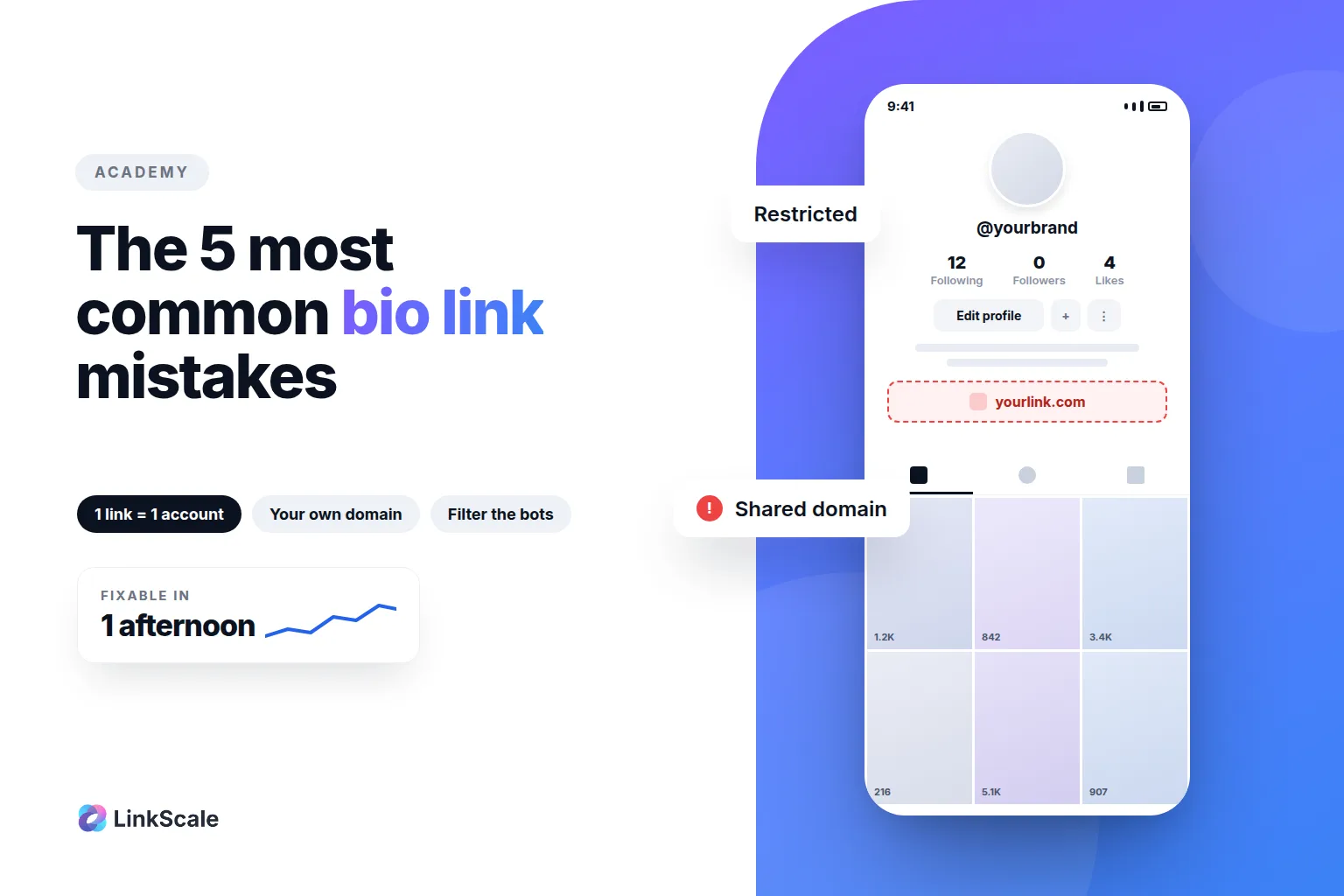
Almost every bio link that gets restricted fails for one of five reasons, and all five are configuration choices rather than bad luck. None of them require a bigger budget to fix. Most of them take an afternoon.
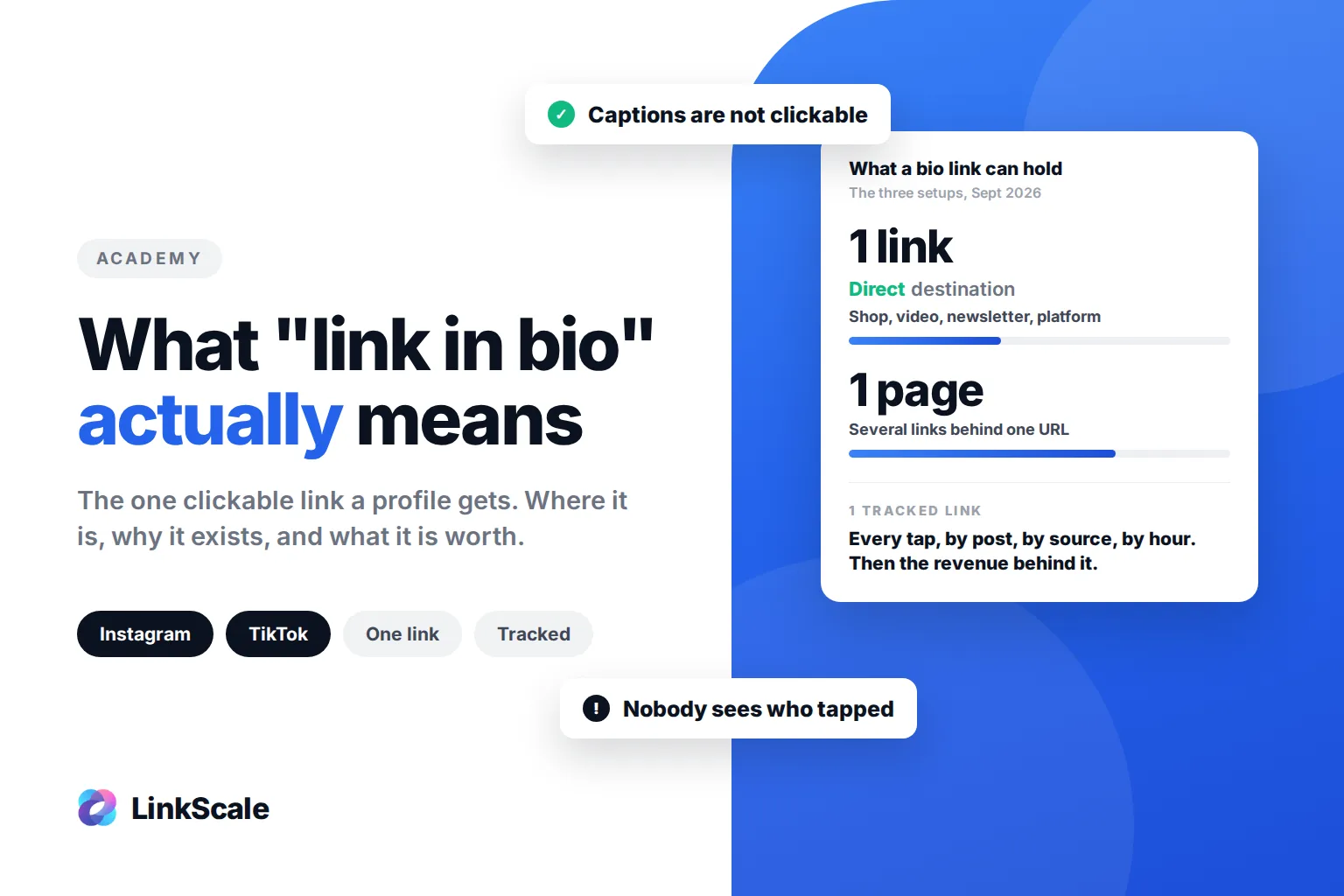
Here they are, in the order we actually see them in support. If you are still choosing a tool rather than fixing one, start with what actually differs between link in bio tools, and if you want the basics first, what "link in bio" actually means covers where the link lives on each platform and who can see your taps.
Mistake 1: reusing the same link across several accounts
Why one report reaches all of them
The same bio link on two Instagram accounts, or shared between an Instagram and a TikTok profile, looks efficient. It is the fastest way to turn one problem into five.
Platforms do not judge the account and the link separately. They keep a judgement on the address, and every profile pointing at that address is attached to it. One report on a shared link puts every account behind it in the same file. You did nothing wrong on the other four. They go down anyway.
TikTok is the clearest example of the mechanism, and we take it apart in how to add a link in your TikTok bio without 1,000 followers. The bio text that sends people to that link is its own exercise, covered in TikTok bio ideas.
What to do instead
One link per account, and never recycle a link from a retired account onto a live one. If you manage several profiles, keep them structurally separate rather than merely differently named.
Mistake 2: staying on a shared domain
What you inherit without noticing
A generic domain provided by a link tool works fine on day one. The problem is what accumulates on it. A domain used by thousands of unrelated accounts carries the history of all of them, and you have no visibility into what those accounts do.
Domain reputation is not a social media concept, it is an industry one. Spamhaus, which runs one of the most widely used domain reputation blocklistsOpens in a new tab, notes that domain and IP reputations influence each other, and that an unknown domain starts with a poor reputation by default. Reputation takes months to build and one incident to lose.
What to do instead
Move to a domain you own. It costs between 6 and 14 dollars a year, it removes other people's behaviour from your risk entirely, and it is the single highest-leverage change on this list. We go through the reasoning in why your bio link needs its own domain.
Mistake 3: assuming nobody looks at the destination
The platform fetches your page, and it publishes that it does
This is the mistake that surprises people most. They assume the link is judged as a string of characters. It is not. When a URL is shared or added to a profile, Meta fetches the page behind it. Meta documents its own crawler, FacebookExternalHitOpens in a new tab, including the fact that it may ignore your robots.txt when it is running security or integrity checks.
Two consequences follow, and both matter.
The first is that your destination page has to stand on its own. It is read, cached, and evaluated, so whatever it shows is what the platform judges. Hiding the URL behind a redirect changes nothing, because the check follows redirects to the end.
The second is that not all traffic hitting your page is human, and treating it as if it were distorts everything downstream.
What to do instead
Build the entry page as a page, not as a doorway: a real title, a real description, a real reason for a visitor to be there. Then filter what reaches it. Bot filtering, a neutral page for suspicious requests, and controls on proxy and geographic traffic exist for that, and we cover how they work in cloaking, shielding and link tracking.