
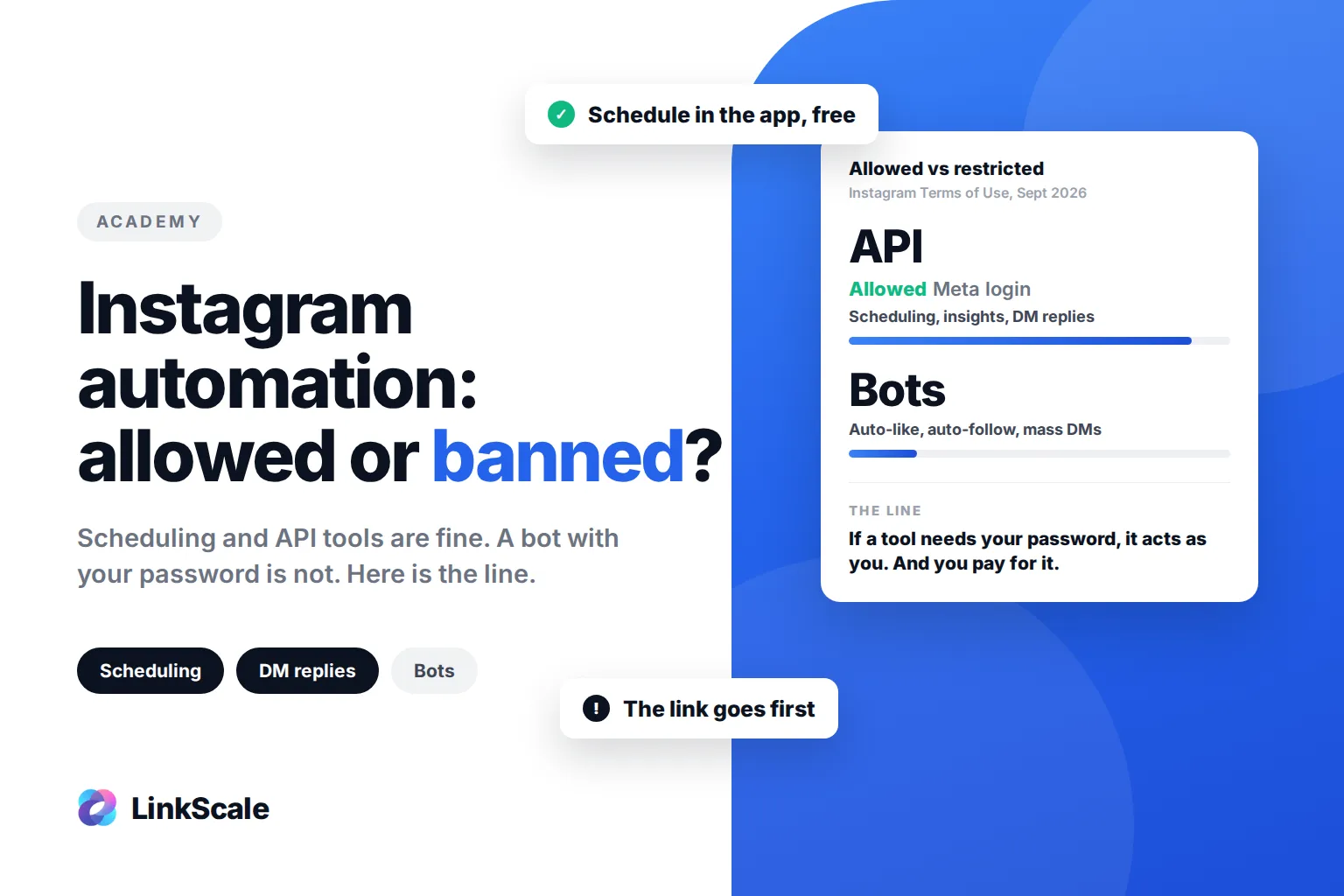
Instagram automation is allowed when it runs through Instagram's own tools or its official API, and it gets accounts restricted when a third-party tool logs in with your password and acts like a human: auto-likes, auto-follows, mass DMs, comment bots. That is the whole line. Scheduling, insights and approved DM replies are fine. Anything that fakes activity is not.
The confusion comes from the word itself. "Automation" covers a scheduling tool that posts your Reel at 18:15 and a bot that follows 600 strangers an hour. Instagram treats those two as opposites, and so should you.
How to automate Instagram without getting banned
Schedule posts with Instagram's own tools
Instagram lets professional accounts schedule posts, Reels and carousels up to 75 days ahead, directly in the app, and Meta Business Suite does the same from desktop. This is first-party automation: nothing logs in as you, nothing simulates a tap. There is no risk attached to it. If you are picking the slot, our click data on the best time to post on Instagram on Monday shows why a window beats a fixed hour.
Third-party schedulers that publish through the official API are the same category. The test is simple: if the tool asked you to connect through a Meta login screen and never saw your password, it is on the right side.
Automate DMs through an official partner
DM automation is allowed on one condition: the tool uses Instagram's messaging API, documented on Meta's developer platformOpens in a new tab, and you connected it through Meta's own permission screen. That is how "comment LINK and I'll send it to you" works on creator accounts. The reply is triggered by a real action from a real person, and it goes through Meta's servers, not through a script pretending to be your phone.
What the API does not allow is just as important: no cold outreach to people who never messaged you, no follow-for-follow, no bulk sends to a scraped list.
Track what happens after the click, outside Instagram
The most useful automation is the one Instagram does not offer at all. Instagram tells you how many people tapped your link. It does not tell you which post sent them, which platform they came from, or whether they bought or subscribed. A tracked link records that on your side, automatically, without touching your account. That part is not just allowed, it is invisible to Instagram, because it happens after the visitor leaves the app.
Never hand your password to a tool
This is the line. A tool that needs your username and password to work is logging in as you. Every like, follow and DM it sends is indistinguishable from you doing it by hand, and when Instagram flags the pattern, it flags your account, not the tool.
What counts as Instagram automation, and what Instagram does about it
| Type of automation | How it works | Instagram's position |
|---|---|---|
| In-app scheduling, Meta Business Suite | First-party | Allowed, built in |
| Scheduler connected via Meta login | Official API | Allowed |
| DM replies to comments or keywords | Official messaging API, partner tool | Allowed within API rules |
| Auto-like, auto-follow, auto-unfollow | Tool logs in with your password | Removed, account warned |
| Comment bots, engagement pods run by scripts | Tool logs in with your password | Removed, account warned |
| Mass DMs to non-followers | Tool logs in with your password | Action blocked, then restricted |
| Buying followers or likes | Bot accounts | Followers removed, account flagged |
Instagram has been explicit since 2018. In its announcement on reducing inauthentic activityOpens in a new tab, it said it would remove likes, follows and comments generated by third-party apps, warn the accounts using them, and ask them to change their password because sharing credentials with those apps makes accounts less secure. The Terms of UseOpens in a new tab add the general rule: no collecting information or creating activity by automated means without Instagram's permission, and nothing that interferes with how the service is meant to work.
Why Instagram bots get an account restricted, not just the bot
The account carries the score, not the tool
Instagram scores accounts, not software. When a tool with your password runs 400 follows in an hour, the pattern is recorded against your account. The tool is never punished. You are. The first response is usually "Action Blocked" or "We limit how often you can do certain things". The next is a drop in reach, then restrictions on features one by one.
The link is usually the first thing to go
This is the part creators discover too late. An account with a damaged trust score does not only lose reach. It loses link privileges: the bio link gets restricted, the link sticker disappears from the story tray, and every tap that used to reach your page reaches nothing. For anyone whose income depends on that link, the bot cost more than it ever brought.
We see this in support regularly, and as of September 2026 the pattern has not changed: an account arrives with "action blocked" and a dead link, and the history shows a growth tool that had the password. Removing the tool is step one. Recovering the trust score takes weeks.
Bots bring bot followers, which is its own problem
Follow-for-follow tools attract accounts running the same tools. The result is a follower list full of bots, which drags down engagement rate and makes the account look exactly like what it is. Cleaning that up means removing followers by hand, and there is no automation for that either. The same goes for unfollower trackers: our guide on how to see who unfollowed you on Instagram covers the safe ways to check, none of which needs your password.