Being banned from posting on Instagram almost always means one of three different things, and the fix depends entirely on which one you have. A temporary action block clears itself in hours or days. A feature limit is tied to a policy decision and can be appealed. A disabled account is a separate process again. Most people waste the first week treating one as the other.
Here is how to tell them apart in about two minutes, and what actually works for each.
Why you are banned from posting on Instagram
The three states, and why the difference matters
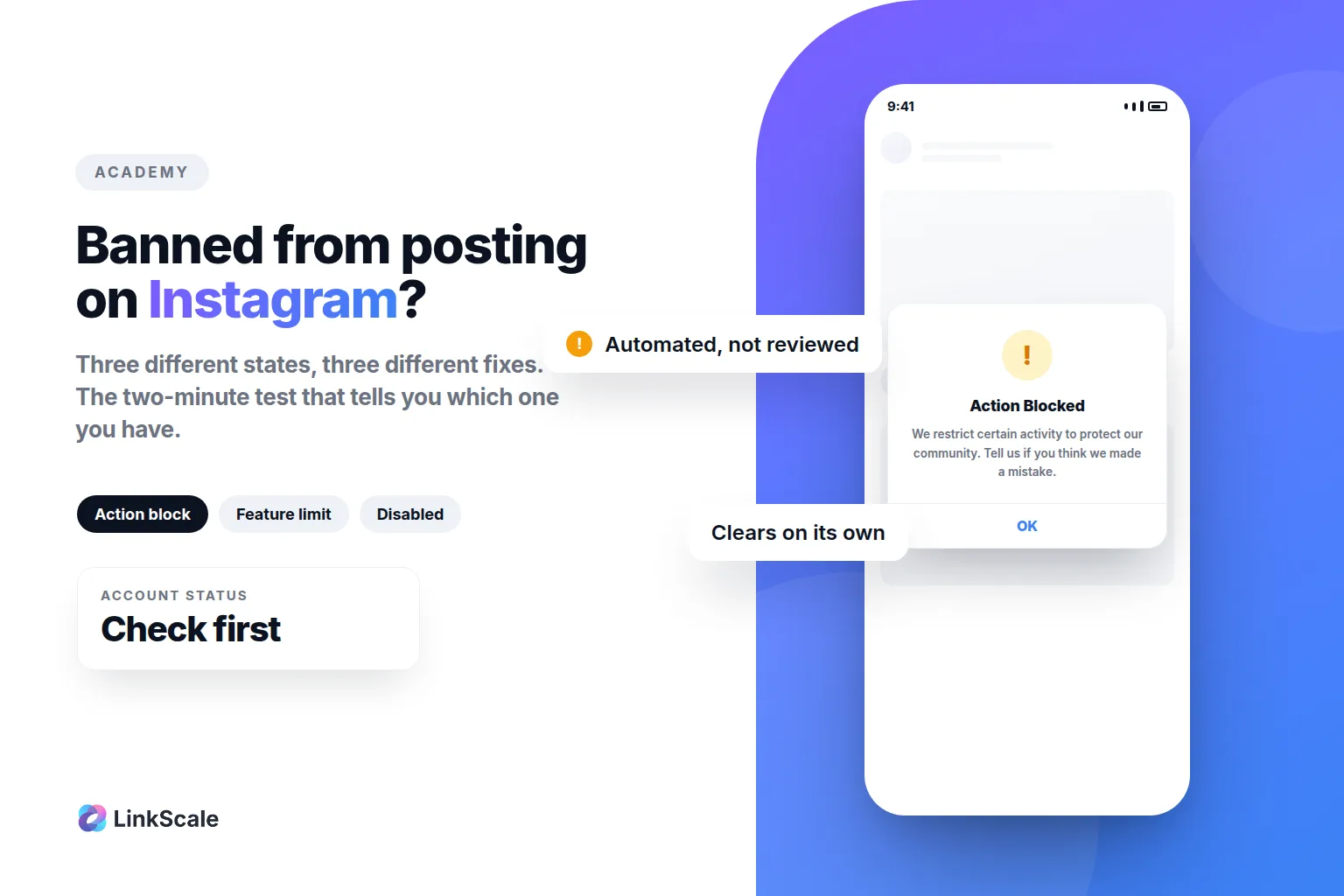
A temporary action block. You try to post, comment or follow, and Instagram tells you the action was blocked. Nothing is wrong with your account in a lasting sense. You hit a rate limit, or a behaviour pattern tripped an automated threshold. It expires on its own.
A feature limit. Specific abilities are switched off: you cannot post, or cannot comment, or cannot go live, while the rest of the account works. This follows a policy decision about your content, and it is the one you can appeal.
A disabled account. You cannot log in at all. Different process, different form, and the only route is the official one.
How to tell which one you have
Open the app and try three separate actions: post something, leave a comment, and follow an account.
If all three fail with a "try again later" style message, you are almost certainly in a temporary action block. If one specific thing fails while the others work, that is a feature limit. If you cannot get past the login screen, the account is disabled.
This two-minute test decides everything that follows, so do it before you change a single setting.
This is the message most people paste into Google, so let us be precise about what it means.
It is Instagram's generic wording for an automated block. It does not name what you did, and it does not mean a human reviewed your account. It means a threshold was crossed.
What crosses the threshold
Volume and speed, mostly. Following or unfollowing many accounts in a short window. Posting the same comment repeatedly. Sending near-identical DMs. Liking at machine pace. Anything that looks like a script rather than a person.
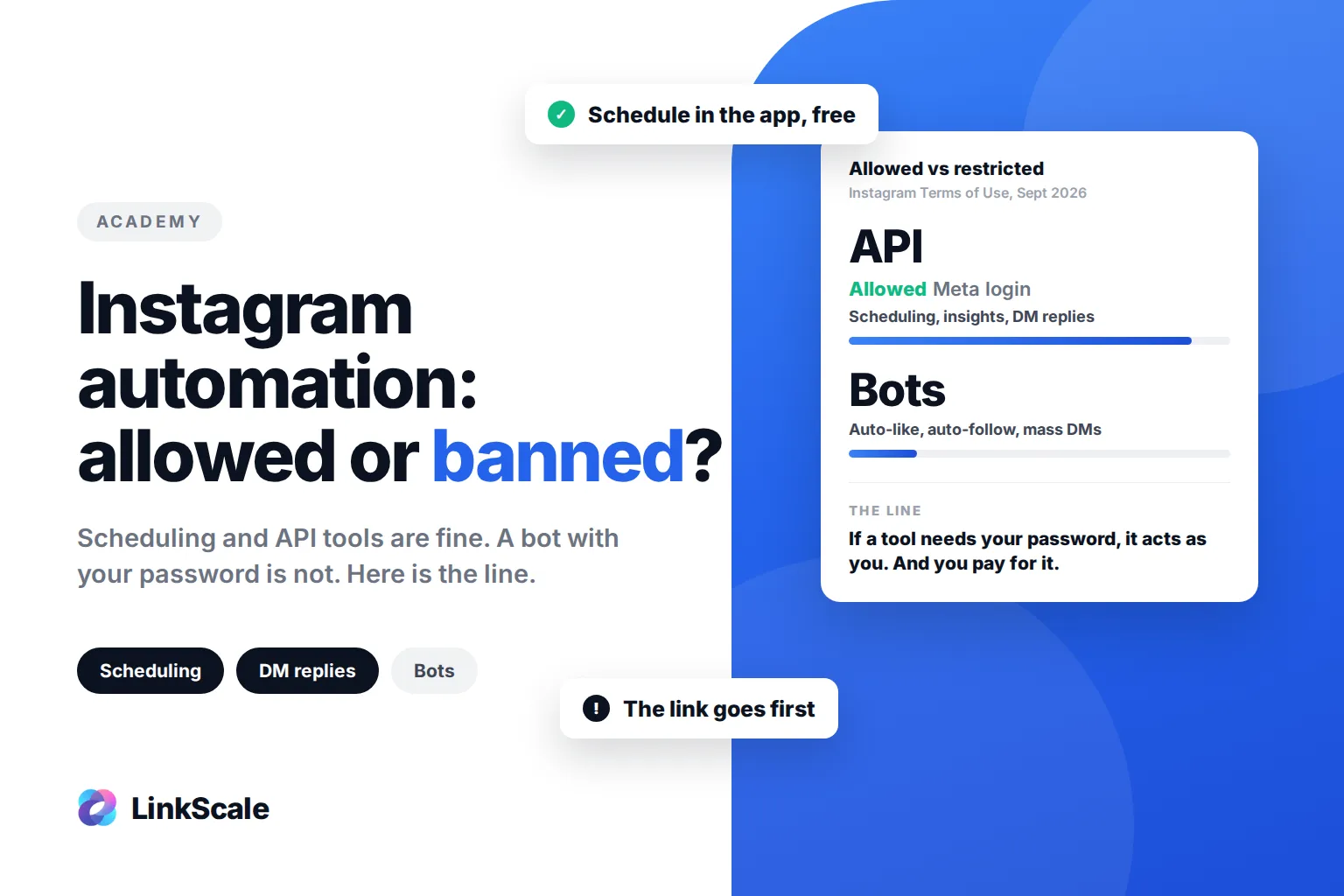
Instagram does not publish the limits, and anyone quoting you an exact number invented it. The thresholds move, they differ by account age, and they are deliberately opaque. What is consistent is the shape: bursts of repetitive action are what triggers it, not the total. If a tool is doing the acting for you, that shape is the whole problem, and we sort the safe tools from the ones that get accounts blocked in Instagram automation: what's allowed, what gets you banned.
How long it lasts
A few hours for a first, mild block. Up to 24 or 48 hours for something heavier. Repeat blocks get longer, because repetition is itself a signal.
The one thing that reliably makes it worse is continuing to try. Every blocked attempt during a block is another data point in the pattern that caused it.
Instagram will not let me post: the checklist
Work down this list in order. It is arranged from most to least common.
You are in an action block. Covered above. Wait it out.
The app itself. Force quit, reopen, and try again on mobile data instead of wifi. Then check whether the app has an update pending. A surprising share of "cannot post" reports are a stale build.
The content. If one specific post fails while others go through, the post is the problem, not the account. Try it without the caption, then without the hashtags, then with a different image. That isolates which element is being refused.
Your account is too new. A profile created this week, with no picture and no history, hits limits far earlier than an established one. This is not a bug, it is the anti-spam design working.
A policy decision. If nothing above applies and the block does not lift, you are probably looking at a feature limit rather than a temporary block, which means the next section.
Check Account Status before you change anything
This is the step almost everyone skips, and it is the only place Instagram tells you the truth about your account.
Account Status lives in the app, under Settings and then Account. Instagram introduced it precisely so that people would stop guessing: it shows whether your content is currently eligible to be recommended to people who do not follow you, and it lets you request a review if you think the decision is wrongOpens in a new tab.
Look there first. If Account Status is clean, your problem is a temporary block and time will fix it. If it shows a restriction, you have a policy decision on your hands and waiting will not help.
Meta documents the broader logic of account restrictions and feature limits in its Transparency Center page on restricting accountsOpens in a new tab, which is worth a read if you want to understand what category you are in.
How to appeal
If Account Status shows a restriction, appeal. It is the only channel that reaches a review process.
The request-review link sits inside Account Status itself, next to the restriction it refers to. That is the correct route, because it arrives attached to the specific decision. A generic support form does not.
What to write
Short, factual, specific. Name the content or the action, say what you believe the mistake is, and stop. That is the whole message.
What not to write: a paragraph about how much the account means to you, an accusation that Instagram is broken, or a request to be contacted by a human. None of that changes the outcome, and length actively hurts you because the reviewer is working through a queue.
How long it takes
Days, usually. Sometimes a decision arrives in hours. Submitting a second appeal while the first is pending does not speed anything up and can reset the queue position.
What actually gets you unblocked
Stop. For a temporary block, this is the entire strategy and it works. No follows, no bulk likes, no repeated comments, for a full day.
Then behave normally. Post once. Reply to a comment. Use the app the way a person uses it. You are letting a behavioural signal decay, and decay takes time rather than effort.
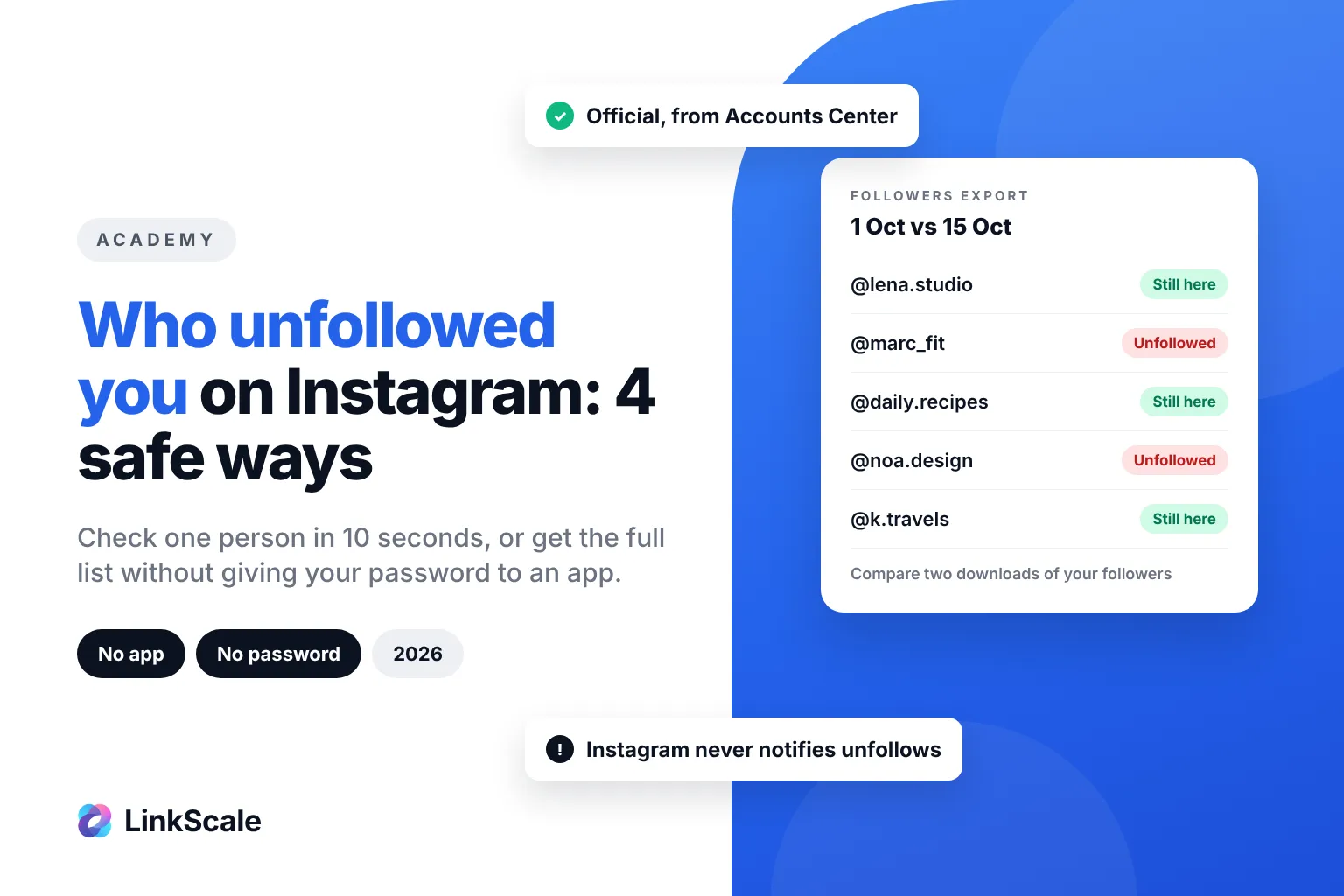
Do not delete the app and reinstall it, which changes nothing. Do not create a second account and post the same content, which propagates the pattern instead of escaping it. Do not buy a service promising to lift a block, because no such service has access to the systems that would make that possible. The same goes for apps claiming to show who screenshotted your story: Instagram does not notify when you screenshot a story or a post, and those apps mostly want your login.
Does your link in bio cause this?
Almost never, and this is worth saying plainly because the internet says otherwise.
A posting block is about behaviour and content. Your bio link is not part of that judgement. If you cannot post, changing your link will not restore posting.
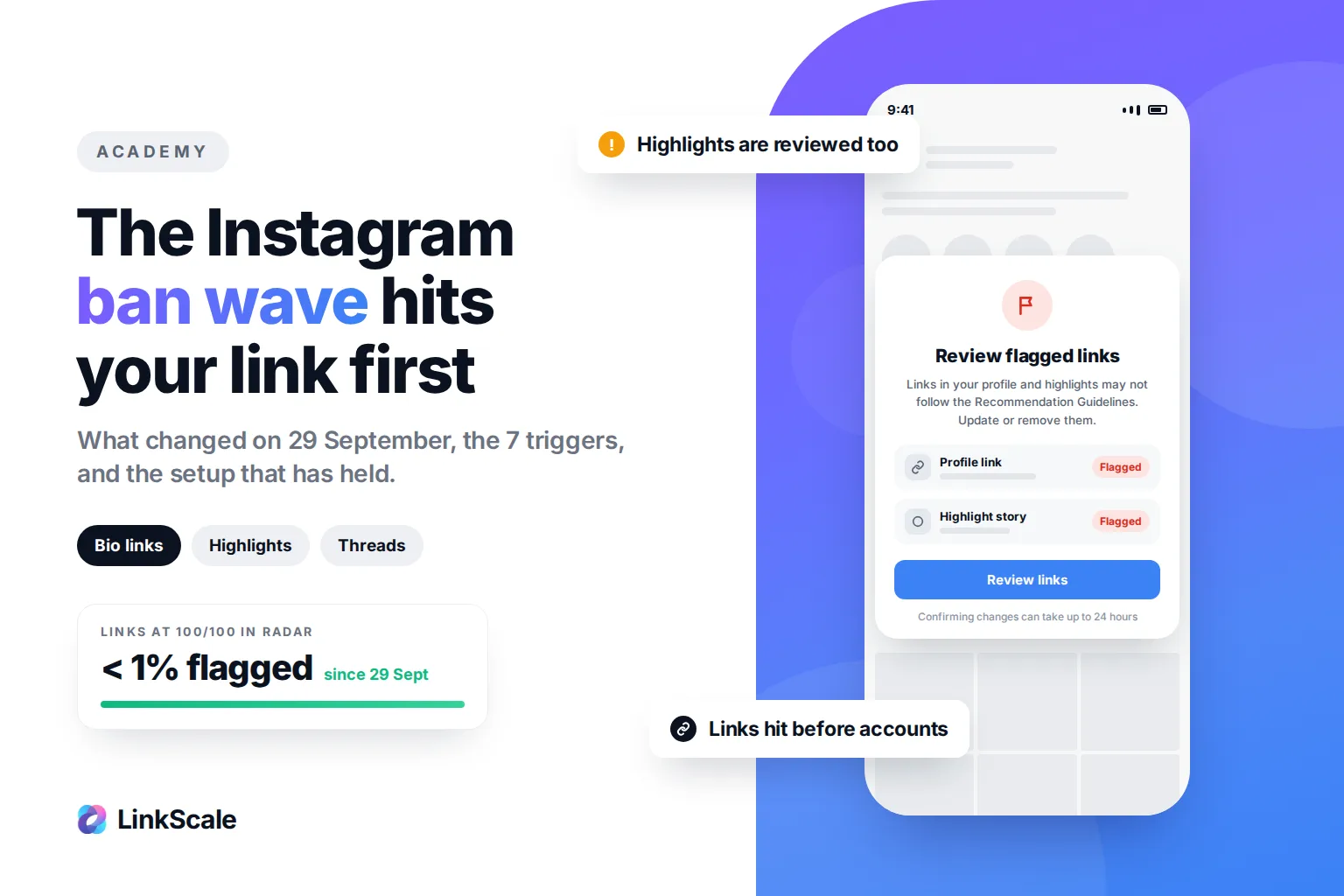
What does exist is a separate, link-level restriction. A link can be blocked, hidden, or made unclickable while the account posts perfectly normally. That is a different mechanism with a different cause, usually the destination or the domain rather than the account, and we cover it in the most common bio link mistakes and in why a custom domain matters for bio links. Since 29 September 2026, that link-level review also covers story highlights, as we explain in our guide to the Instagram ban wave.
Two different problems. Diagnosing one as the other is how people spend a month on the wrong fix.
Frequently asked questions
How long does an Instagram posting ban last?
A first temporary block usually clears within a few hours to 48 hours. Repeat blocks last longer. A feature limit tied to a policy decision has no fixed duration and lifts through appeal rather than time.
Why does Instagram say it restricts certain activity to protect our community?
That is the generic wording for an automated block triggered by volume or repetition, not by a human review. It does not tell you which action caused it, which is why the three-action test is useful.
Can I do anything to lift a temporary block faster?
No. Nothing shortens it, and continuing to try lengthens it. Stop using the affected feature for a full day and it clears on its own.
Where is Account Status on Instagram?
In the app, under Settings and then Account. It shows whether your content is eligible for recommendation to non-followers and gives you the request-review link when a restriction applies.
Should I make a new account if I am banned from posting?
No. A new account starts with the lowest limits of any account on the platform, and posting the same content from it reproduces the pattern that caused the block. It turns one restricted account into two.
Is being banned from posting the same as a shadowban?
No. A posting block stops you from acting. What people call a shadowban is a visibility reduction while everything still works. Different symptom, different cause, different fix. If you are seeing the same drop on X, run our Twitter shadowban check first.
Last updated: 5 September 2026. Written by Thomas Melto, CEO of LinkScale.