
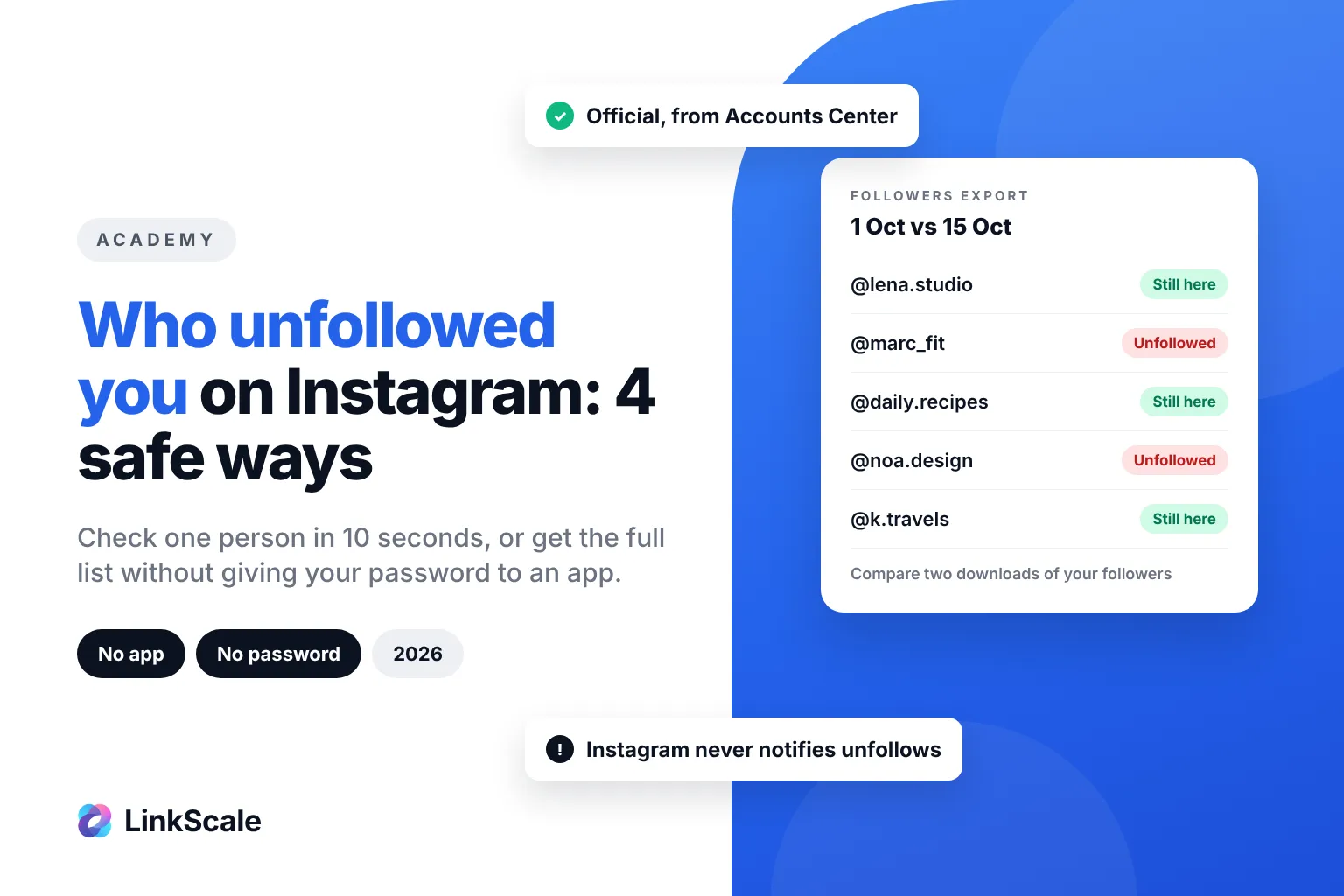
To see who unfollowed you on Instagram, open a person's profile, tap Following and search for your own username: if you are not in the list, they unfollowed you. For a full list, download your followers from Accounts Center > Your information and permissions > Download your information on two dates and compare them. Instagram never sends an unfollow notification.
That covers the honest answer. The rest of this guide shows each method step by step, explains why most "unfollower tracker" apps are a bad trade, and what is actually worth watching instead.
How to see who unfollowed you on Instagram: 4 safe methods
None of these methods needs a third-party login. They are slower than an app, but they cannot get your account locked.
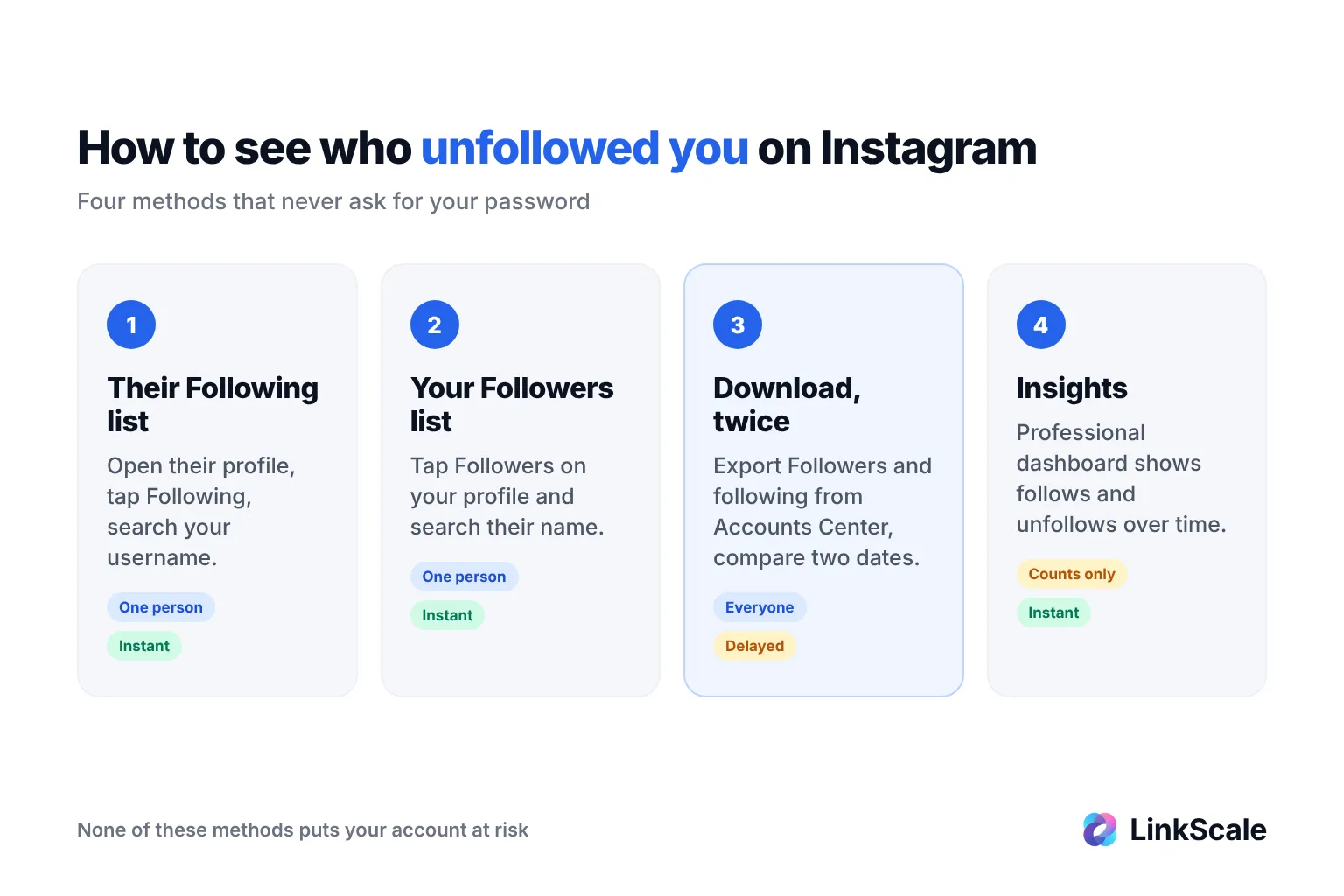
Method 1: check one person in 10 seconds
This is the fastest way to answer "did this specific person unfollow me?"
- Open their profile.
- Tap Following (the accounts they follow).
- Type your username in the search bar.
If your account shows up, they still follow you. If it does not, they unfollowed you, or they never followed you in the first place. On a private account you can only do this if they approved you as a follower.
Method 2: search your own followers list
The opposite check works from your side.
- Go to your profile and tap Followers.
- Search for the person's username.
If they are missing, they no longer follow you. It is the same answer as method 1, but it also works when their account is private and you do not follow them.
Method 3: download your followers and compare two dates
This is the only official way to get a complete list of who unfollowed you on Instagram. Instagram lets you export a copy of your informationOpens in a new tab, including your followers.
- Tap your profile picture, then the menu icon, then Settings and activity.
- Open Accounts Center, then Your information and permissions.
- Tap Download your information, then Download or transfer information.
- Select your Instagram account, then Some of your information.
- Tick Followers and following only, choose Download to device, set the format to JSON or HTML, and confirm.
Meta emails you a link when the file is ready. Inside, the followers file lists every account following you on that day.
Do it once now, and again a week or a month later. Any username present in the first file and missing from the second is someone who unfollowed you. A spreadsheet does the comparison in seconds: paste both lists side by side and look up each old name in the new list.
Method 4: count unfollows in Insights
If you have a professional (creator or business) account, Insights shows how many people followed and unfollowed you over a period. Open your Professional dashboard, then your follower insights.
It gives you numbers, not names. That is enough to spot a bad week, a post that pushed people away, or a slow leak you had not noticed. Menu labels move between app versions, so if you cannot find it, update the app first.
Is there an official way to see unfollowers instantly?
No. Instagram does not notify you when someone unfollows, and it has no "unfollowers" list in the app. The official API used by approved tools does not give access to the identity of people who stop following an account either.
That is why every method above is either manual (one profile at a time) or delayed (an export you compare later).
| Method | Shows names | Speed | Risk to your account |
|---|---|---|---|
| Check their Following list | Yes, one person | Instant | None |
| Search your Followers list | Yes, one person | Instant | None |
| Download your information, twice | Yes, everyone | Delayed (export) | None |
| Insights on a professional account | No, counts only | Instant | None |
| Third-party unfollower app | Claims to | Instant | Real |
Are Instagram unfollower apps safe?
Most are not, and the reason is technical rather than moral. Since Instagram does not hand out unfollower data, an app that shows it to you in real time usually has to log in as you and read your followers list on a schedule.
What these apps ask for
The common pattern is a request for your Instagram username and password, or a browser extension that reads your logged-in session. Either way, a third party now acts with your account.
Instagram's Terms of UseOpens in a new tab forbid collecting information in an automated way without permission, and asking for other people's login details. So the app's business model sits on the wrong side of the rules from day one.
What can happen to your account
- Suspicious login alerts and forced password resets, because the app connects from servers far from you.
- Action blocks when the automated reading looks like bot activity. We cover what each block means in our guide to being banned from posting on Instagram.
- Reduced reach if the account is flagged for automated behavior, which we explain in how to avoid a shadowban on Instagram.
- Lost access if the app, or someone who bought its data, changes your recovery email.
Never give your Instagram password to an unfollower tracker. A list of names is not worth the account. If you use automation for anything else, read what is allowed and what gets you banned first.