


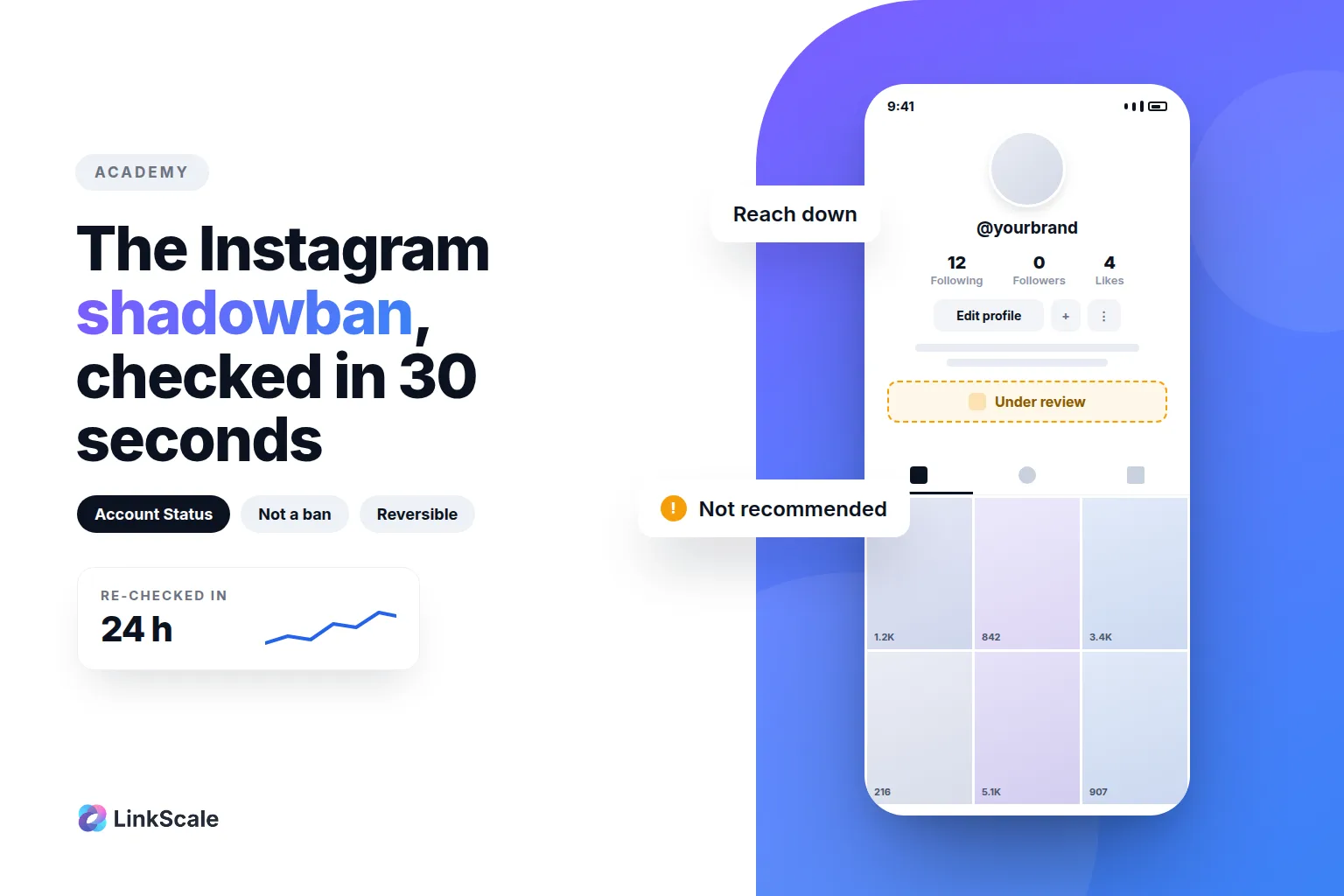
A shadowban is not a ban. Your account stays active, your posts stay online, and your followers keep seeing you. What you lose is eligibility to be recommended to people who do not follow you, which is where most of your reach came from. And unlike a real shadowban, this one is not invisible: Instagram tells you, inside the app, in about thirty seconds.
Most of what circulates on this subject is guesswork. Here is what is actually observable, and what to do with it.
What is a shadowban, exactly?
What it is not
It is not a bug, not a seasonal dip, and not a punishment applied to your whole account. Nothing is deleted, nothing is hidden from the people who already follow you.
What Instagram actually calls it
The mechanism has a name in the product: recommendation eligibility. Content that breaks the rules gets removed. Content that is allowed but sits close to the line is simply not recommended, which means it stops appearing in Explore, in Reels suggestions, and in the feeds of people who do not follow you.
Instagram documents where to see this. Account Status, in Settings and Account, tells you whether your content is currently eligible to be recommended to non-followers, and lets you request a review if you think the decision is wrongOpens in a new tab.
How do you check instead of guessing?
The thirty-second check
Open Account Status before you change anything. It will tell you one of three things: everything is fine, your content is limited, or a specific element of your profile is the problem. Guessing costs days. Reading the screen costs half a minute.
What each verdict means in practice
| What you see | What it means | What to do |
|---|---|---|
| Not limited | Your reach problem is not an enforcement problem | Look at your content and your posting rhythm |
| Content not eligible for recommendations | Specific posts sit outside the recommendation rules | Edit or archive those posts, then request a review |
| Your profile breaks our rules | The problem is in the profile itself: bio, name, photo or link | Change the flagged element, then request a review |
A drop in views with a clean Account Status is not a shadowban. It is a content problem, and no tool will fix it.
Why does an account lose recommendation eligibility?
Content that is allowed but not recommendable
This is the most common case by far, and the least understood. The bar for being recommended to strangers is higher than the bar for being allowed to post. Suggestive content is the textbook example: perfectly permitted, systematically not recommended.
Behaviour that reads as automated
Posting the same thing across several profiles, running follow and unfollow cycles, and logging in from locations that contradict each other all produce the same signature. If you run several accounts, the goal is not to hide it. It is to make each account behave like one account. Apps that track your unfollowers usually run on your password too and carry the same risk, so stick to the safe ways to see who unfollowed you.
Vary formats, avoid publishing identical content across profiles, and keep each account's access environment stable rather than moving it around. If you rely on tools, the line between scheduling and engagement bots is where accounts get caught: we mapped it in what Instagram automation is allowed, and what gets you banned.
The bio link, and the domain behind it
This is the part people miss. Your link is not judged as a string of characters. Meta fetches the page behind it: its crawler is documented publiclyOpens in a new tab, and it may ignore your robots.txt when it is running integrity checks. The destination is what gets evaluated, and redirects are followed to the end.
The address matters too, independently of the page. Reputation is tracked at the domain level, so a domain shared by thousands of accounts carries all of their history. One report on that address affects everyone using it. We take that apart in why your bio link needs its own domain. Since 29 September 2026, Instagram also reviews the links in bios and highlights on their own, which we cover in the Instagram ban wave.