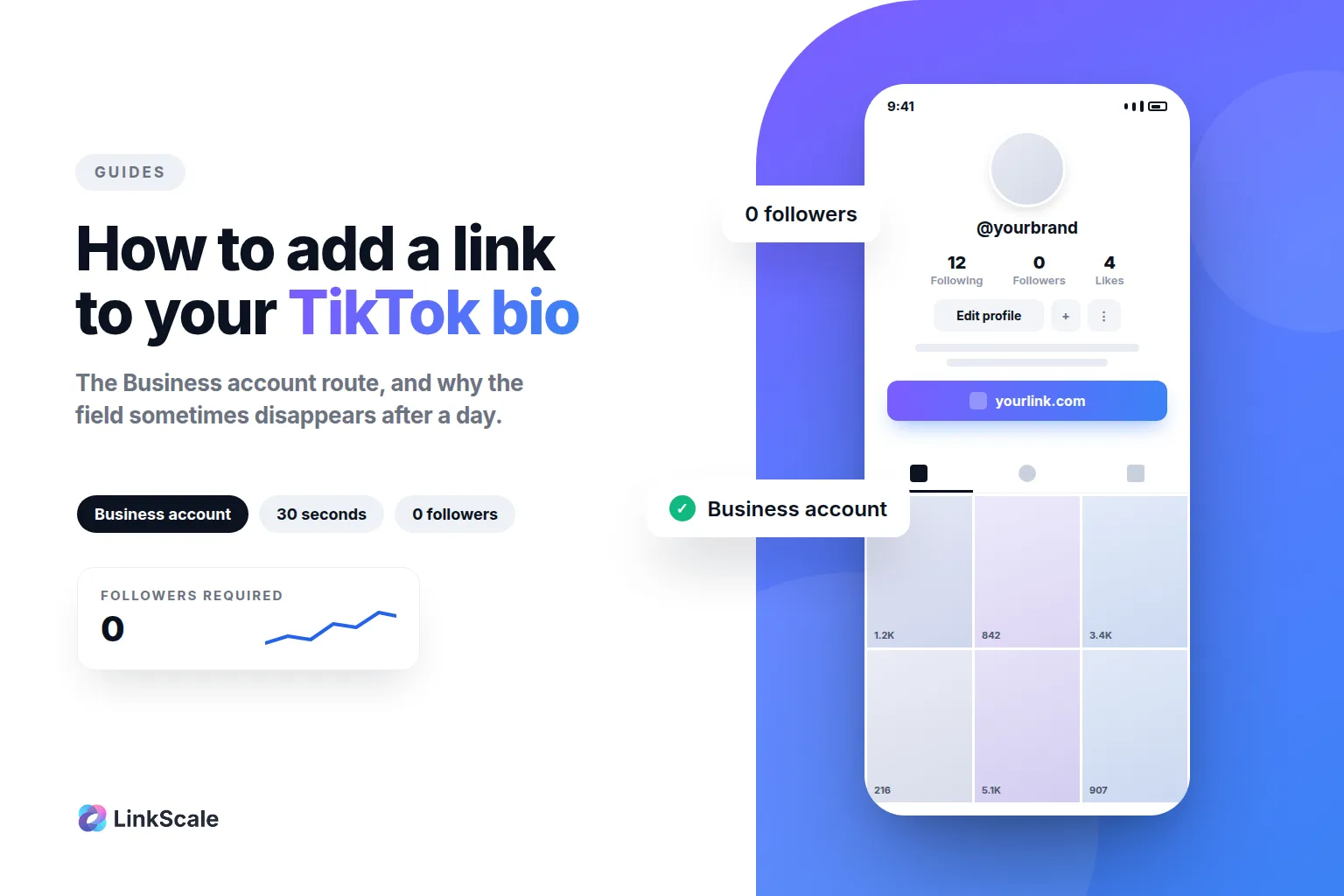
Adding a link to your TikTok bio does not require 1,000 followers. It requires a Business account, and the switch takes about thirty seconds in the app. The clickable Website field appears immediately, at zero followers. What nobody tells you is what that switch costs you, and why the link often disappears two days later.
How to add a link to your TikTok bio, step by step
The exact path in the app
Open Settings and privacy → Account → Switch to Business Account, pick a category, then go back to Edit profile. The Website field is now there. Paste your URL, save, done.
The field only exists in the mobile app. You will never find it on desktop, no matter which account type you are on.
The four conditions that still apply
The account holder must be 18 or over. The account has to be in good standing, with no recent Community Guidelines strike. The profile needs a picture and a bio, because an empty profile carrying a link looks exactly like the spam the rule was built to stop, and it is one of the most common bio link mistakes we see. And the destination has to be a page TikTok is willing to send people to, which is the part most guides skip and the one covered further down.
Can you add more than one link?
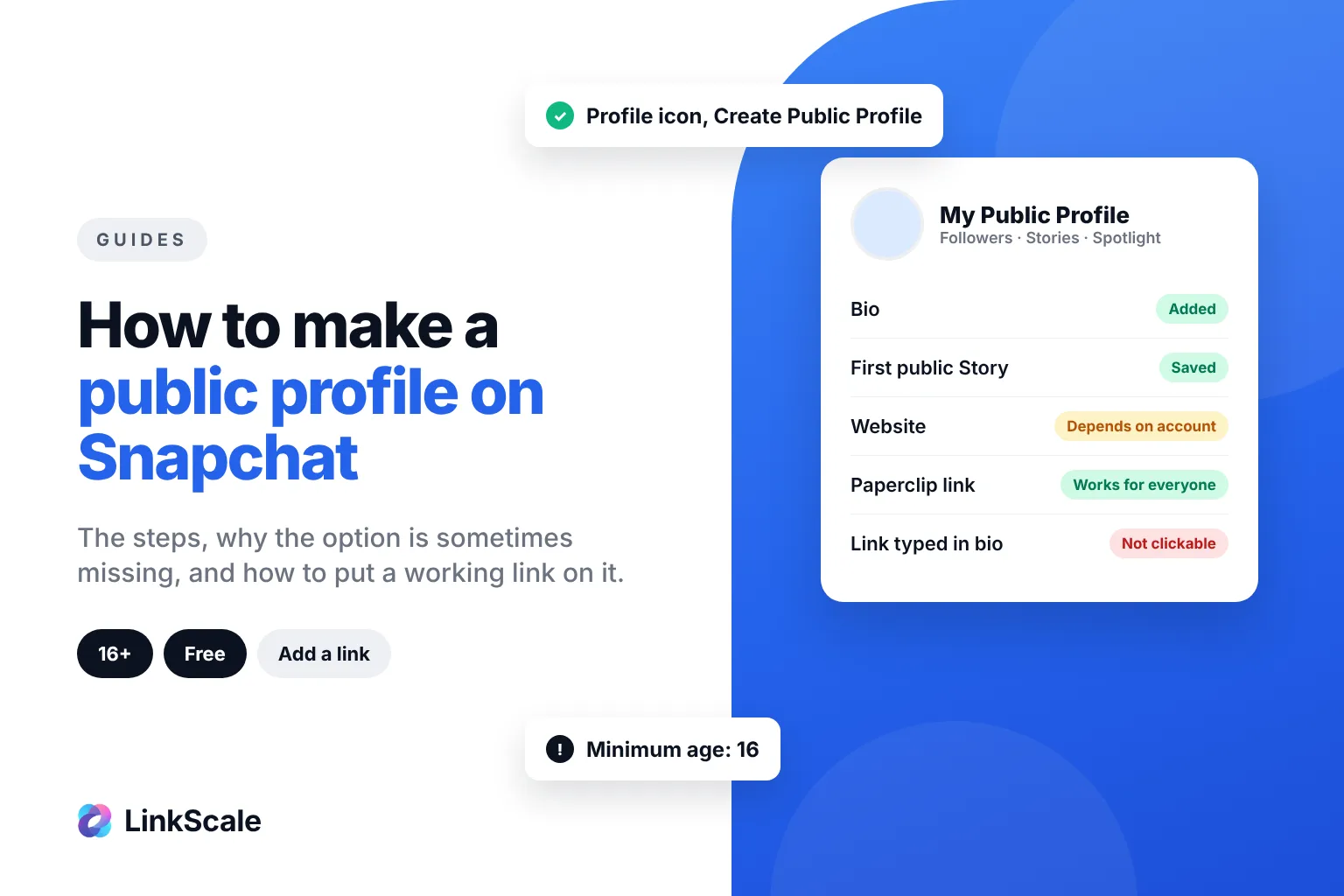
Not in the Website field. TikTok accepts a single URL, the same way Instagram did for years. Snapchat also gives you one website slot, but only on a public profile: see how to make a public profile on Snapchat. If you need to send people to several places, that field has to point at a page holding those links, not at one of them. That is the entire reason link in bio pages exist, and it is also why the page you choose matters more than the field itself. If the phrase is new to you, what "link in bio" means covers where that one link lives on each platform.
Why does TikTok require 1,000 followers for a bio link?
The threshold exists to slow down bulk accounts
Spam operations create profiles in bulk, drop a link, and burn the account. Making creators earn the link first raises the cost of that game. TikTok's Community Guidelines are explicit about the behaviour they are trying to stop: the platform bans accounts operated in bulk, through unauthorised automation, or to distribute high-volume commercial contentOpens in a new tab. The follower threshold is one of the cheapest filters available against exactly that pattern.
Business accounts were never covered by it
The rule has never applied to everyone. Business accounts have always been able to add a website, because a business is expected to have one. The 1,000-follower rule is the consumer path, not the only path.
Can you put a link in your TikTok bio without a Business account?
Below 1,000 followers, no. That is the honest answer, and it is worth stating plainly because the workarounds circulating do not work.
The only two routes that exist
Reach 1,000 followers on a Personal or Creator account, which unlocks the Website field without changing account type. Or switch to Business and get the field immediately. There is no third route. Nothing you add to a Personal account under 1,000 followers makes that field appear.
Why writing the URL in your bio text does not work
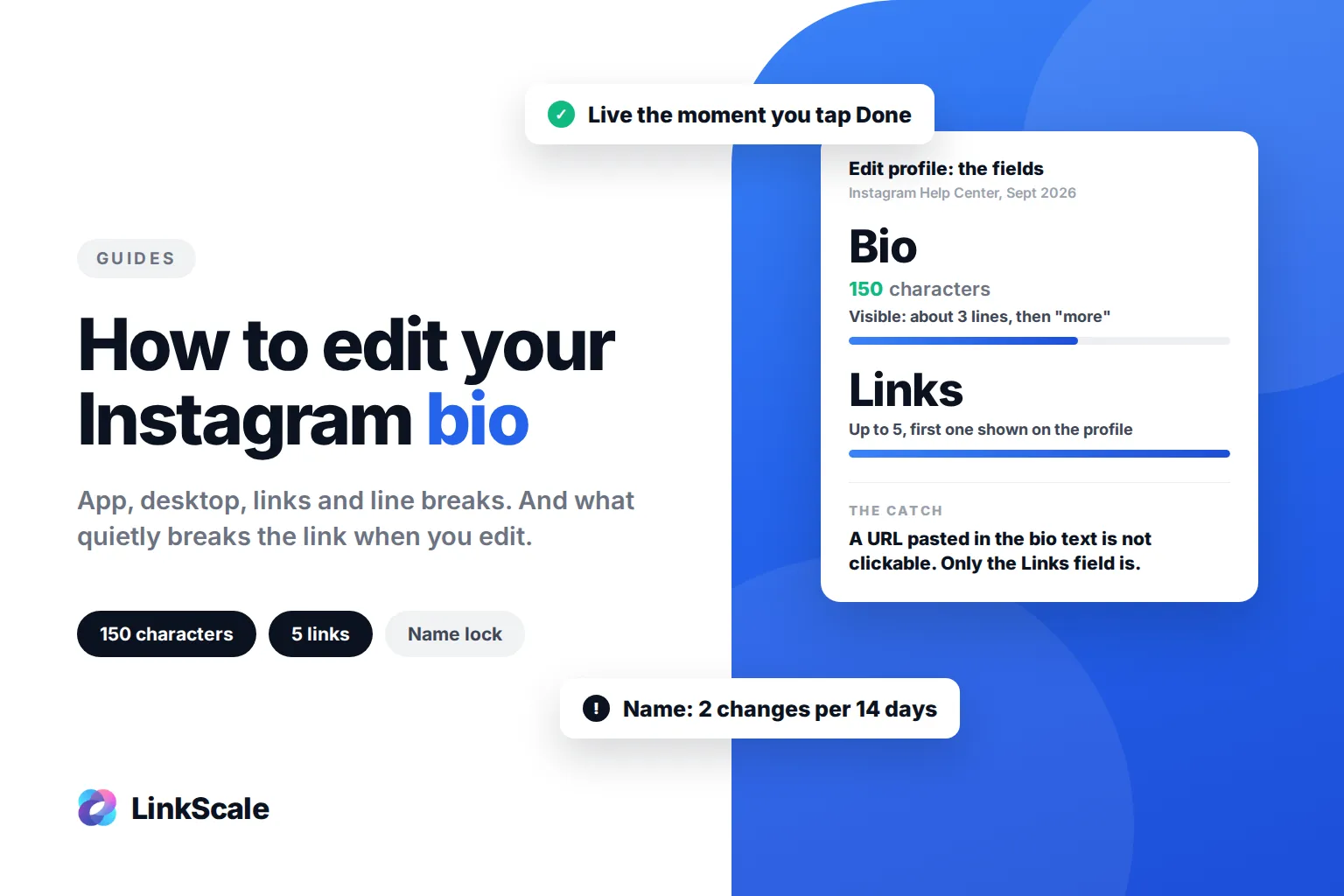
You can type a URL into the bio text at any follower count. It will not be clickable, people have to copy it by hand, and TikTok's systems still read it. A domain that would be blocked as a link can carry the same consequences sitting there in plain text. You take the risk without getting the click.
What switching to a Business account actually costs you
The reach trade-off most guides skip
Reach. This is the part that makes the decision less obvious than it looks.
Accounts that switch to Business tend to see distribution soften afterwards. It is most visible on smaller accounts, the ones riding a few lucky videos rather than a stable audience. TikTok has never confirmed a penalty, and plenty of Business accounts perform perfectly well, so treat this as a pattern rather than a rule.
Two practical consequences. First, switch the account you are willing to trade reach for conversion on, not the one that is currently taking off. Second, measure before and after on your own numbers rather than trusting anyone's screenshot, including ours.
Personal and Business, side by side
The honest read: keep your main account Personal while you are still building reach, and run a Business account as the one that carries the link. Personal is also the only account type that earns from views, which matters once you look at how much TikTok pays per view.
Your TikTok bio link disappeared. Is it rejected?
Usually not. It is under review.
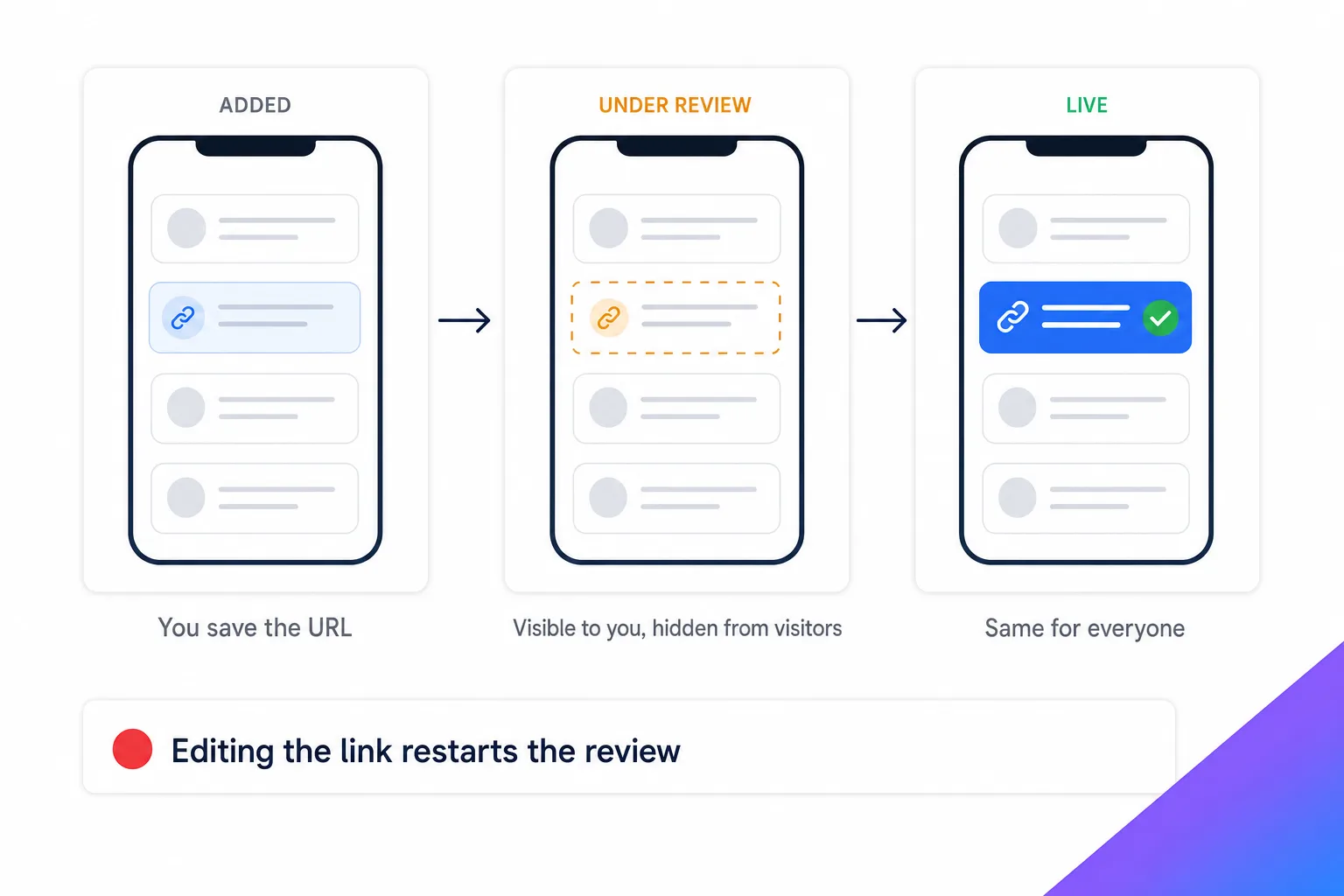
Why you can still see it and your audience cannot
When a link is added, TikTok checks where it leads. During that window the field can be hidden from part of your audience while staying perfectly visible to you, because your own device is authenticated and the page has already been served to you. That gap is why people think the link is broken when it is only pending.
What to do while it is pending
The instinct is to delete the link and add it again. Do not. Every edit restarts the check and extends the wait. Test from a second device, logged out, on mobile data, which tells you what a real visitor actually sees. Then leave it alone and keep posting, because an active account clears faster than a dormant one. Between your own videos, reposting on TikTok keeps the account active in two taps, but it never replaces posting.
Why the domain behind your TikTok bio link decides whether it survives
Two things get a TikTok link flagged: the content it leads to, and the address itself. The first is obvious. The second is where most people lose accounts without understanding why.
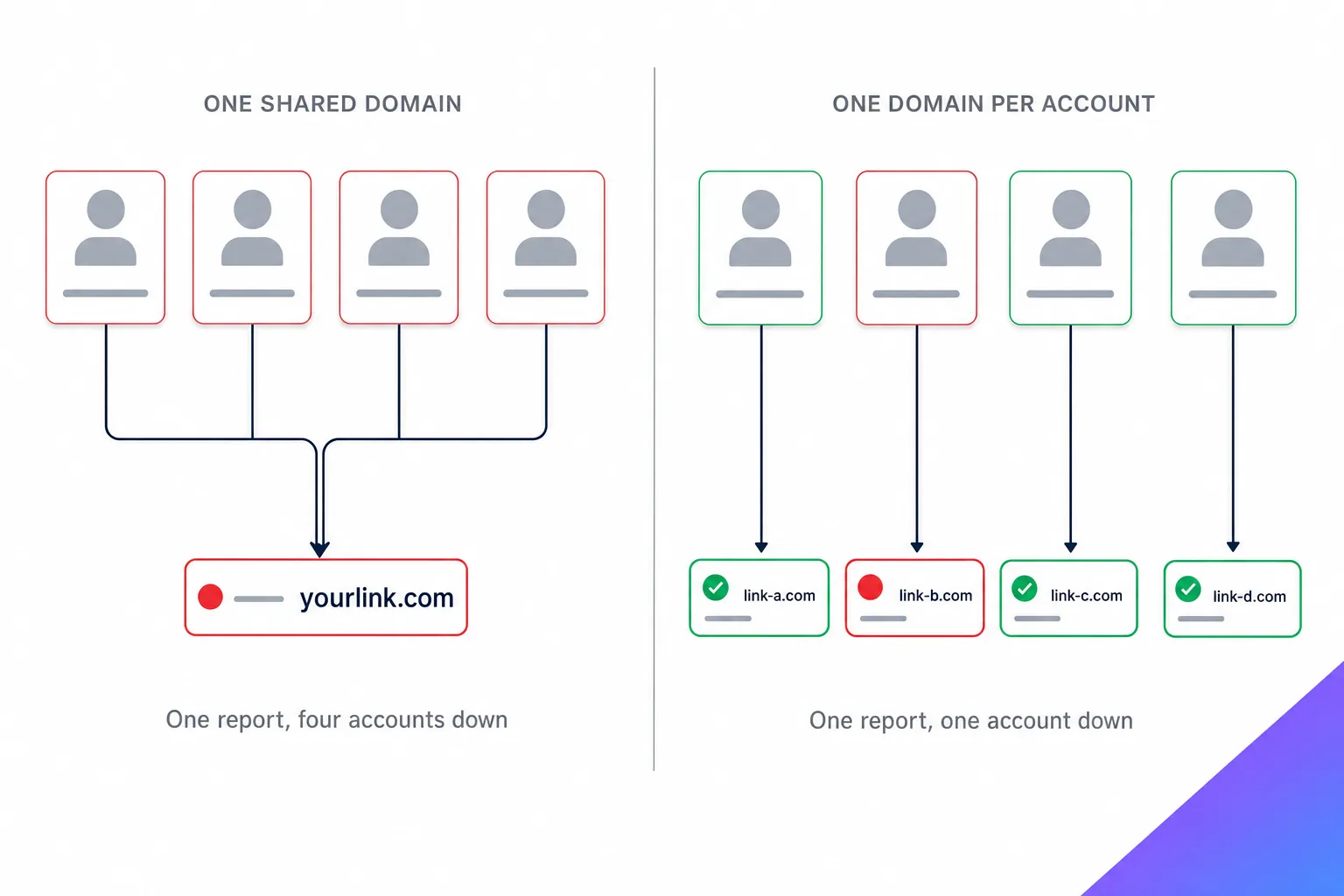
Reputation is tracked at the domain level, not the account level
If four of your accounts point at the same address and one of them is reported, the address becomes suspect, and every account attached to it inherits the problem. You did nothing wrong on the other three. They go down anyway.
This is not specific to TikTok. It is how domain reputation works across the whole industry. Spamhaus, which runs one of the most widely used domain reputation blocklistsOpens in a new tab, states two things worth remembering: an unknown domain starts with a poor reputation by default, and domain and IP reputations influence each other. Building a good reputation takes far longer than destroying one.
One domain per account, and never reuse it
So the rule we give every client is blunt: one domain per account. Not one per brand, not one per model, not one per campaign. One per account. It costs a few euros a year and it turns a group failure into an isolated one. We unpack the reasoning in why a custom domain matters for bio links.
What that domain serves matters just as much as the domain itself, and the choice between pointing straight at a destination or landing people on a page of your own is covered in direct link versus landing page. And if you want the mechanics of how a link decides where it opens in the first place, start with what is a deep link.
Shared hosting carries other people's history
The same logic applies below the domain. An address sitting on an IP shared with hundreds of unrelated sites carries their reputation too, and you have no control over what those sites do with theirs.
How long should you warm up an account before adding the link?
Long enough that the account looks like an account.
The order matters more than the delay
A profile created this morning, with no picture, no bio, no posts and a website in the field, is the exact signature the review system was trained on. Post first. Build a small history. Get some watch time. Then add the link.
An account with two weeks of genuine activity behind it clears review far more easily than one that was set up around its link.
Which links does TikTok refuse outright?
Adult content, gambling, anything illegal, misleading offers, and apps competing directly with TikTok's own features. Standard business sites and e-commerce pass without trouble.
The check follows redirects
One nuance worth knowing: a clean URL pointing to a blocked destination is judged on the destination, not on the URL you typed. Wrapping a flagged page behind a fresh short link changes nothing.
Frequently asked questions
Can I add a link to my TikTok bio without switching to a Business account?
Only once you reach 1,000 followers on a Personal or Creator account. Below that, the Website field does not exist.
Can you put more than one link in a TikTok bio?
No. The Website field takes a single URL. To offer several destinations, point it at a page that lists them.
How do you find someone's link in bio on TikTok?
Open their profile in the app. If the account has a link, it sits under the bio text as a clickable address. If nothing is there, either the account has no link or the field is still under review.
Will switching back to Personal remove my link?
Yes, if you are under 1,000 followers. The field disappears with the account type.
How long does the review take?
It varies with the account's history and the destination. A warmed-up account with a clean domain usually clears within a day or two. A brand-new one can sit longer.
Can I put my link in the bio text instead?
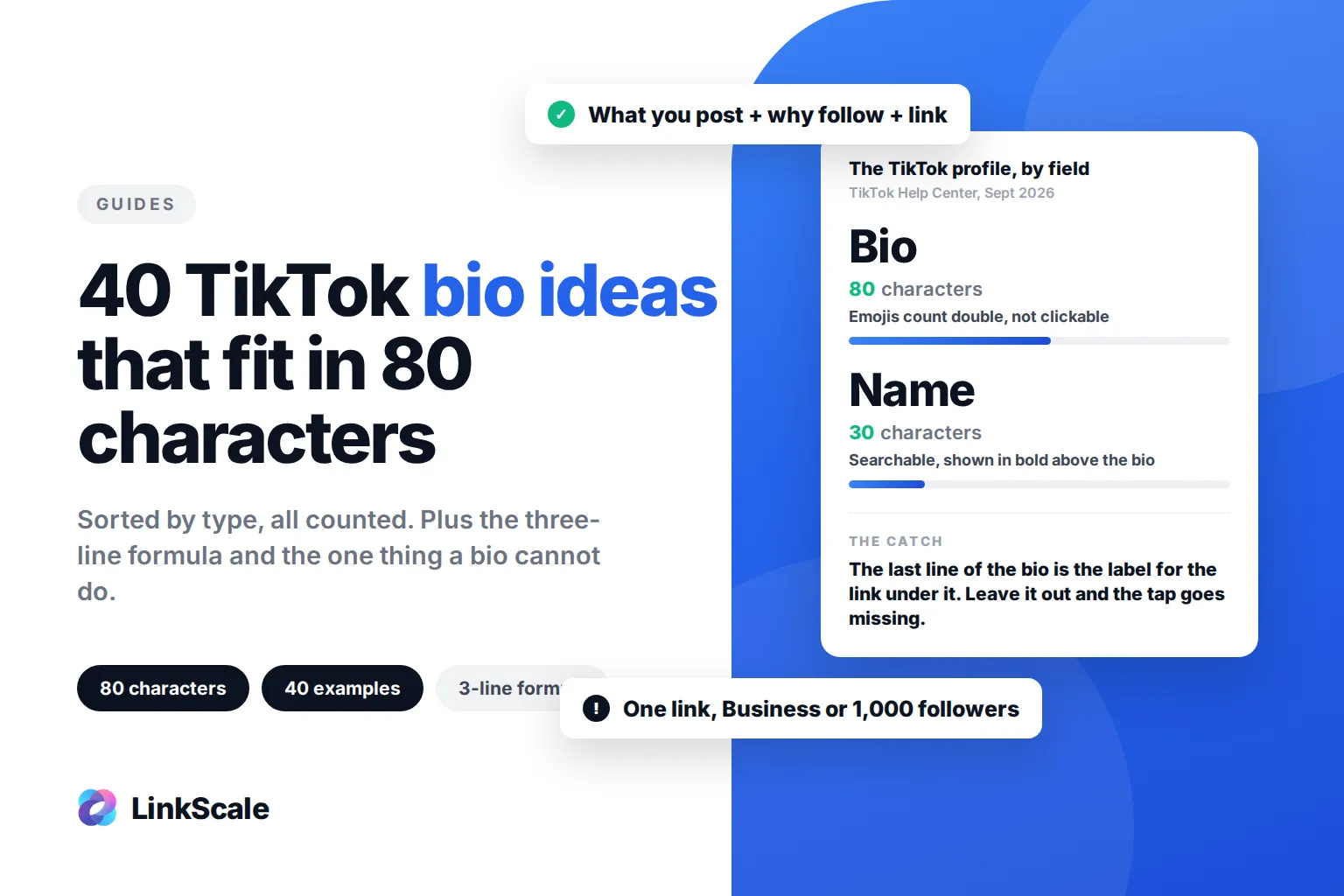
You can write it, but it will not be clickable, and TikTok's systems still read it. A blocked domain in plain text can carry the same consequences as a blocked link. Use the bio text to point at the link instead: every one of our TikTok bio ideas ends with a line that does exactly that.
Last updated: 4 September 2026. Written by Thomas Melto, CEO of LinkScale.