
To make a public profile on Snapchat, tap your profile icon at the top left, find Public Profile and tap Create Public Profile, then follow the prompts. You need to be at least 16 years old, with your birthday set in the app. Once it is created, add a photo, a short bio and your first public Story, and anyone on Snapchat can find and follow you.
That is the short version. Below are the exact steps, why the option sometimes does not show up, and how to put a working link on your profile, which is where most people get stuck.
How to make a public profile on Snapchat, step by step
Menu names move a little between iPhone, Android and app versions, but the path is always the same: profile, then Public Profile.
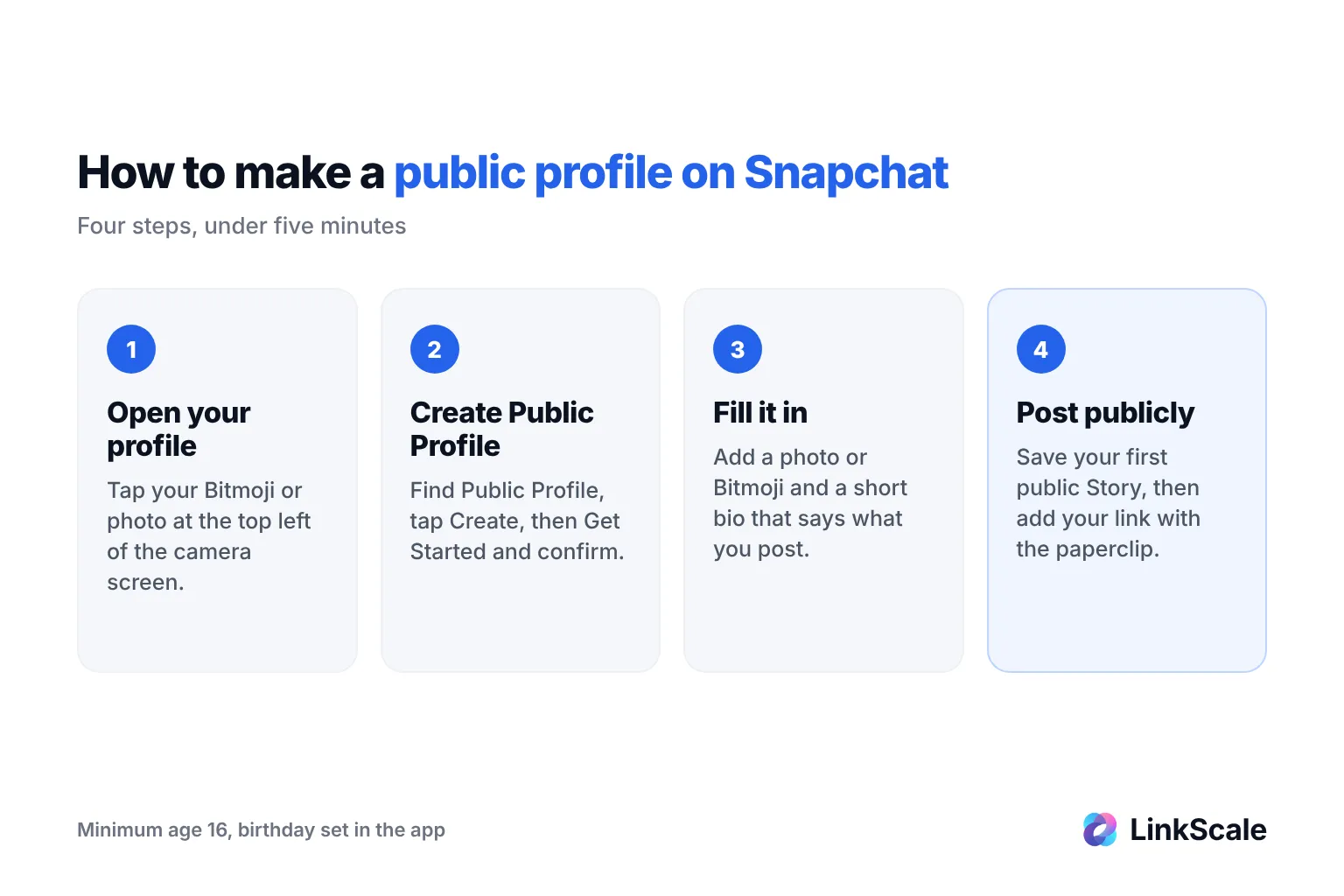
Create the profile
- Open Snapchat and tap your profile icon (your Bitmoji or photo) at the top left.
- Scroll to the Public Profile section and tap Create Public Profile.
- Tap Get Started, read the notice about what becomes public, and confirm.
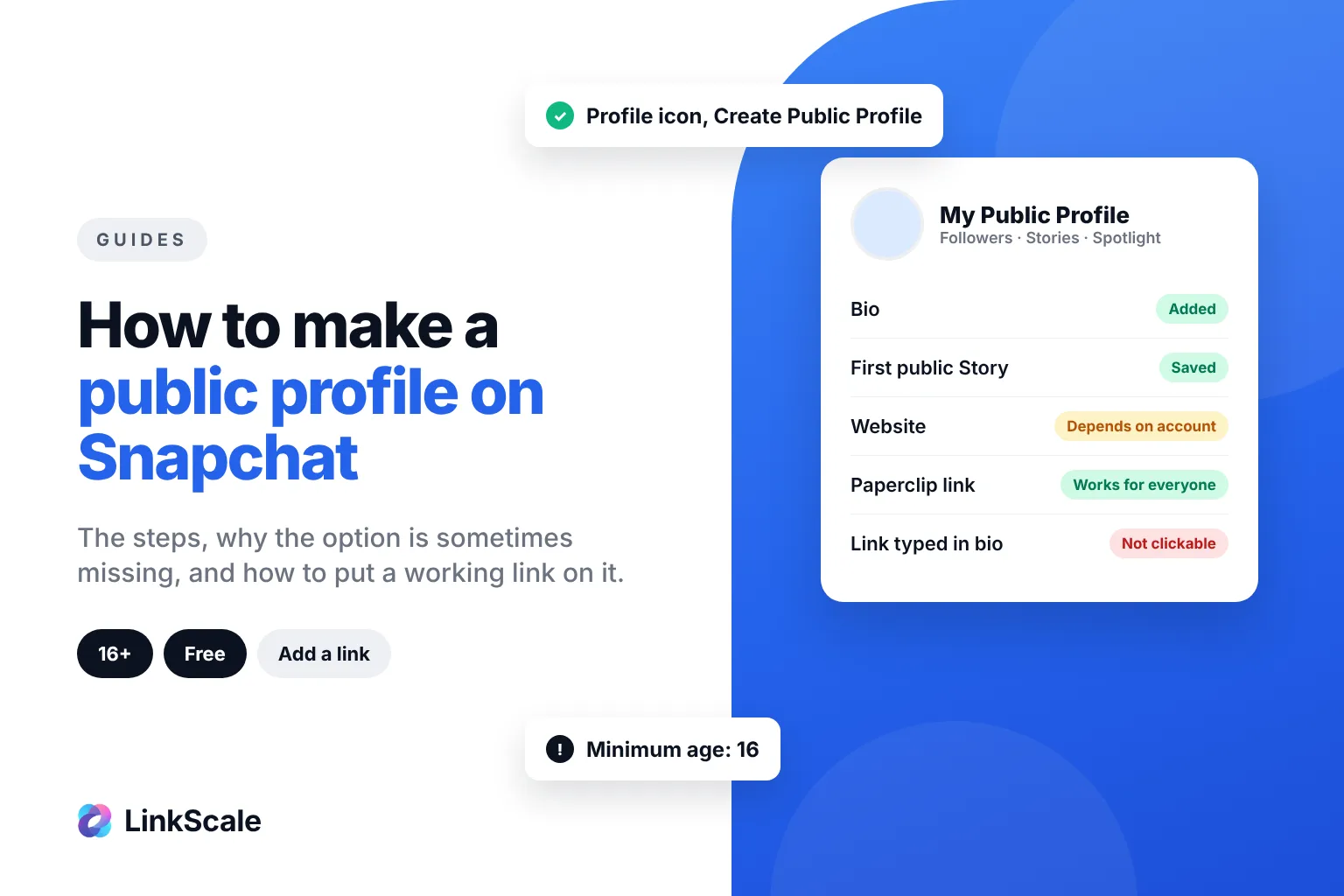
- Your profile screen now shows My Public Profile instead of the create button.
On some Android versions the option sits in the Spotlight & Snap Map section instead: tap the three dots next to it and choose Create Public Profile.
Set it up so people actually follow you
Snapchat's own creator getting started guideOpens in a new tab lists three things to do right away:
- Add a photo or Bitmoji that people recognise.
- Write a short bio that says what you post.
- Save your first Story to your public profile, so new visitors have something to watch.
An empty public profile converts almost nobody. Post two or three public Stories before you start sharing your profile anywhere else.
Business profiles are created elsewhere
Brands usually create their public profile from Snapchat Ads Manager, under Public Profiles, then Create Profile. According to Snapchat for BusinessOpens in a new tab, you can have only one public profile per email and username, but a business organisation can manage several from the same Ads Manager.
Why don't I have a public profile option on Snapchat?
If Create Public Profile never appears, it is almost always one of the reasons Snapchat lists in its help article Why don't I have a Public Profile?Opens in a new tab
You are under the minimum age
The minimum age for a public profile is 16. Local laws can set a higher minimum in some countries. Accounts aged 16 and 17 can post publicly, but with more protective settings than adult accounts.
Your birthday is not set
If you meet the age requirement and still see nothing, add your birthday in Settings > Birthday. Without it, Snapchat cannot confirm you are eligible.
Past Community Guidelines violations
Accounts that have broken Snapchat's Community Guidelines can lose access to public features. There is no button to request it back: the option simply stays hidden.
If none of these apply, update the app, log out and back in, and check again.
How to add a link to your Snapchat public profile
This is the part that confuses everyone, because the answer depends on your account.
The Website field, when you have it
In July 2023, Snapchat opened website links to all public profilesOpens in a new tab, which until then were reserved for brands and the biggest creators. Where the field exists, the steps are:
- Open My Public Profile.
- Tap Edit Profile (or the pencil icon).
- Tap Website and paste your full URL, starting with https://.
- Save.
Since then, availability has varied between account types and app versions. If you see no Website row, it is not a bug you can fix by reinstalling. Use the next method instead.
The paperclip, which works for everyone
Any Snap or Story can carry a link, public profile or not:
- Take or choose a Snap.
- On the preview screen, tap the paperclip icon.
- Paste your URL and tap Attach to Snap.
- Post it to your Story or send it.
Viewers swipe up or tap the link to open it. The link only lives as long as the Snap or Story, so add it to your Highlights or post it regularly if you rely on it.
Typing a URL in your bio does not work
The bio is plain text. A URL typed there is not clickable, and asking people to copy it loses most of them on the way.
| Where | Clickable | Lasts | Who can use it |
|---|---|---|---|
| Website field on the public profile | Yes | Permanent | Depends on account type and app version |
| Paperclip link on a Snap or Story | Yes | As long as the Snap or Story | Everyone |
| Saved Story or Highlight with a link | Yes | As long as you keep it | Public profiles |
| URL typed in the bio | No | Permanent | Everyone, but useless |
Which link to put there
Snapchat gives you one website slot at most, so most creators point it to a single page that lists everything else. Our explainer on what "link in bio" means covers why that page matters.
One detail is specific to Snapchat: links open inside Snapchat's own browser, where your visitor is not logged into the shop, app or platform you send them to. A deep link opens the target app directly instead, which removes a login screen between the tap and the sale. With LinkScale, you can create that kind of link and see how many clicks Snapchat sends compared with your other platforms.